
Server Colocation for Secure, Reliable IT
A server room can appear dependable right up until a power event, cooling failure, building access issue, or internet outage takes critical systems offline. Server colocation moves business-owned hardware into a purpose-built data center, where the physical environment is designed to keep it available, protected, and connected.
For organizations in the Washington, DC metro area, Northern Virginia, and Delaware, colocation can be a practical middle ground between maintaining infrastructure on-site and moving every workload to the public cloud. It preserves control over key systems while reducing the operational risk of hosting them in an office closet or an aging internal server room.
What Server Colocation Means for Your Business
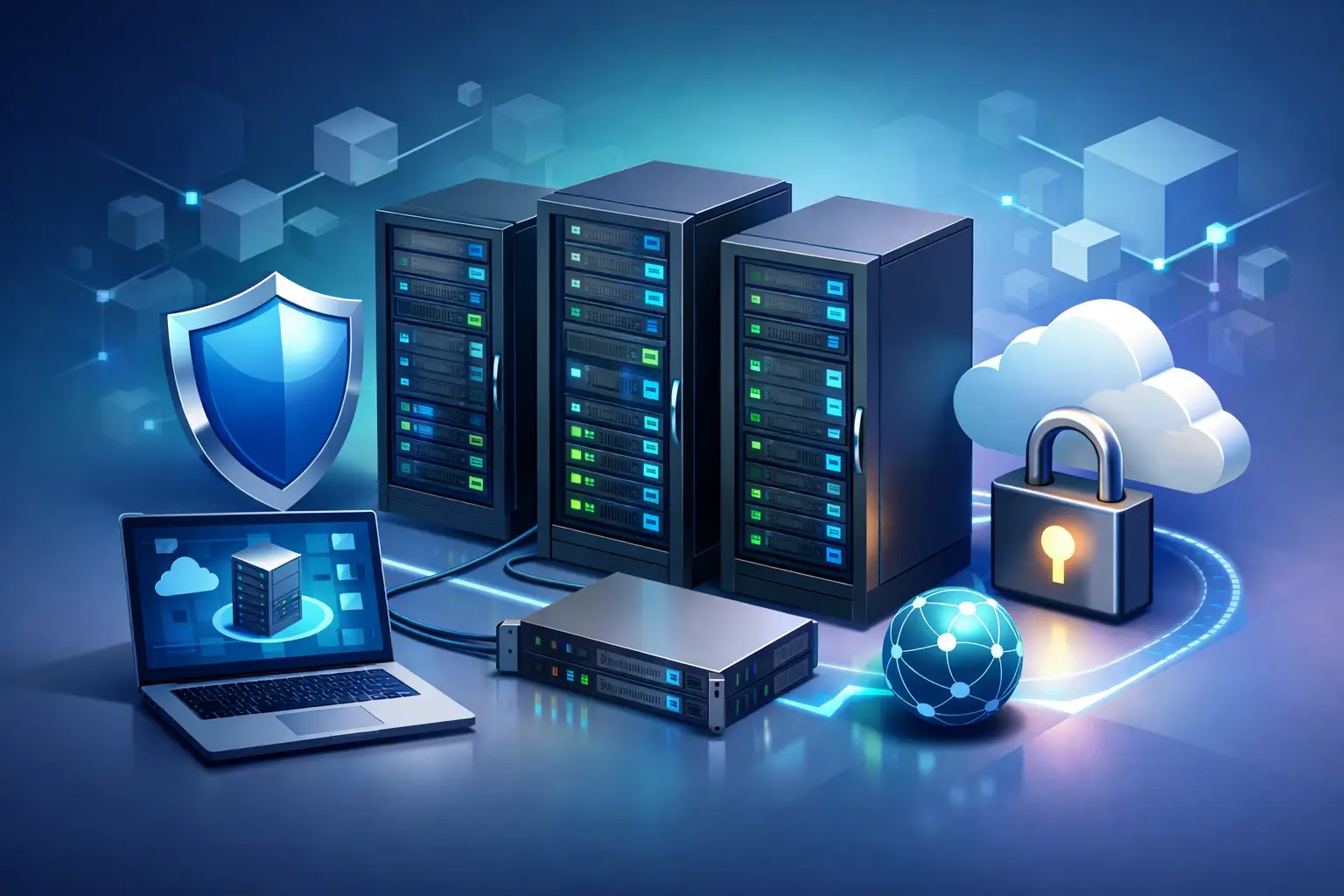
With server colocation, your organization owns or leases the servers, storage, firewalls, and networking equipment that run its applications. Those systems are installed in secure racks within a third-party data center. The data center provides the supporting environment: redundant power, cooling, physical security, network connectivity, fire detection and suppression, and monitored facilities operations.
Colocation is not the same as managed hosting. In a managed hosting model, a provider typically supplies and manages the underlying server infrastructure. In a colocation arrangement, the hardware remains yours. That distinction matters when you need specific equipment, have licensing tied to your servers, require custom network configurations, or want tighter control over how sensitive applications are operated.
The right arrangement can also be paired with managed services. Your IT partner may monitor server health, apply patches, manage backups, respond to alerts, maintain operating systems, and provide hands-on support when equipment needs attention. This gives organizations the ownership benefits of physical infrastructure without expecting internal staff to handle every operational task alone.
Why Office-Based Servers Create Avoidable Risk
Many small and midsized organizations begin with an on-site server because it is convenient. The equipment is nearby, the initial setup feels straightforward, and employees assume that local access means better control. Over time, however, that server often becomes a business-critical dependency in a space that was never designed to operate as a data center.
A typical office may have one utility power feed, limited battery backup, no generator, inconsistent cooling, and a single internet connection. It may also have limited access controls and no around-the-clock monitoring. A construction incident, water leak, HVAC problem, or extended regional outage can interrupt operations at the same time employees are unable to reach the office.
The concern is not only a dramatic disaster. Brief power fluctuations can damage equipment or cause systems to restart improperly. Elevated temperatures can shorten hardware life. A failed firewall or internet circuit can cut off remote users, cloud applications, phones, and customer-facing services. When the server room is part of the office, the building becomes a single point of failure.
A data center does not eliminate every technology risk, but it materially improves the conditions around the equipment. Redundant systems, controlled access, environmental monitoring, and multiple connectivity options help create a stronger foundation for applications that must remain available.
The Core Benefits of Server Colocation
The value of colocation comes from its layers of protection and its ability to scale with business needs. Rather than building and maintaining data center-grade facilities internally, an organization uses the infrastructure already in place.
Better availability for critical workloads
Data centers use redundant power and cooling systems to reduce the likelihood that a single component failure will interrupt service. Equipment can be supported by battery systems and backup generators, while cooling and environmental controls are monitored continuously. This is especially valuable for line-of-business applications, virtual servers, file systems, phone platforms, and remote access services that cannot wait until the next business day for recovery.
Availability still depends on sound architecture. A colocated server with one power supply, one firewall, or no tested backup plan can still fail. Colocation provides the facility-level resilience, while the server, network, and recovery design must be engineered to match the business impact of downtime.
Stronger physical and network security
A professional data center typically uses controlled entry procedures, surveillance, restricted-access areas, and monitored racks or cabinets. These protections are far more extensive than a locked office door. They help reduce the risk of unauthorized physical access to systems that store sensitive business, financial, employee, or customer information.
Network security remains a shared responsibility. The facility protects its environment and connectivity, but your organization still needs properly configured firewalls, multifactor authentication, endpoint protection, access management, patching, and security monitoring. Colocation supports a stronger security posture; it does not replace cybersecurity management.
Reliable connectivity and more options
Most offices rely on one primary internet provider, with perhaps a secondary connection if the budget allows. A data center can provide access to multiple carriers and higher-capacity connections, helping organizations design more resilient and flexible network paths.
This matters when employees work from multiple locations, customers need consistent access to applications, or business operations depend on cloud services, VoIP, and secure remote connectivity. It can also make it easier to connect colocated systems to cloud platforms as part of a hybrid infrastructure strategy.
Predictable facilities costs
Maintaining an appropriate on-site server environment requires more than buying hardware. There are costs for electrical improvements, UPS systems, cooling, fire protection, secure access, replacement batteries, generator maintenance, internet circuits, and staff time. Those costs can be difficult to forecast, particularly when aging equipment begins to fail.
Colocation converts much of the facility component into a defined recurring expense. Pricing can vary based on rack space, power consumption, bandwidth, remote-hands support, and service requirements, but the model is often easier to budget than upgrading an office-based server room every few years.
When Colocation Is the Right Fit
Server colocation is most useful when an organization has a clear reason to retain physical or virtual infrastructure under its own control. That may include applications with specialized hardware requirements, legacy systems that cannot yet be moved to the cloud, large local data sets, compliance considerations, or a need for consistent performance that is difficult to achieve over an office internet connection.
It can also be a good fit for organizations pursuing a hybrid approach. Some workloads may belong in Microsoft 365, software-as-a-service platforms, or public cloud services, while other systems remain on privately managed servers. The goal is not to keep hardware for its own sake. The goal is to place each workload where it can be secured, supported, and operated effectively.
Colocation may be less attractive for a business that has fully adopted cloud-based applications and has no need for specialized on-premises infrastructure. In that case, adding physical servers can introduce unnecessary capital costs and administration. A technology assessment should examine the application portfolio, recovery objectives, security requirements, budget, and expected growth before committing to any hosting model.
Questions to Ask Before Moving Equipment
A successful move begins with more than reserving rack space. Leaders should understand which systems are moving, who will manage them, and what happens when a component fails. A provider should be able to explain power allocation, physical security, connectivity options, monitoring responsibilities, escalation procedures, and access processes in clear business terms.
Ask how backups are protected and how often recovery is tested. Backups stored only beside the production servers may not protect against a significant equipment or security event. Consider whether critical systems need replication to a second location, cloud-based backup, or a documented disaster recovery environment.
Also clarify the operating model. If your internal IT team will manage the equipment, determine who has authority for routine maintenance and emergency changes. If a managed provider will support the environment, define response expectations, patching responsibilities, reporting, hardware lifecycle planning, and after-hours coverage. Accountability should be clear before an outage occurs, not during one.
Planning a Colocation Migration Without Disrupting Operations
Moving production equipment requires careful sequencing. Start with an inventory of servers, applications, dependencies, licenses, network connections, backup jobs, and user groups. Identify which workloads can tolerate a maintenance window and which require temporary redundancy or a staged migration.
Network design deserves special attention. IP addressing, firewall rules, VPN connectivity, DNS records, application dependencies, and remote access all need to be tested before users are directed to the new environment. A cutover plan should include verification steps, communication to affected employees, and a rollback option if an unexpected issue appears.
CMA Technologies helps organizations align infrastructure decisions with daily support, cybersecurity, business continuity, and long-term IT planning. That coordinated approach is particularly valuable when colocation is one part of a broader modernization effort rather than an isolated facilities project.
The best time to evaluate server colocation is before an office server room becomes the reason your organization cannot operate. A clear assessment of workload needs, risk tolerance, and recovery expectations can turn infrastructure from a source of uncertainty into technology your business can trust.