
Are Virtual Desktop Solutions for Business Right?
A lost laptop, an office closure, or a new hire who needs access before their first day can expose weaknesses in a traditional desktop environment. Virtual desktop solutions for business give employees a consistent workspace hosted in a data center or cloud environment rather than tied to a single physical PC. For organizations that need secure access, stronger continuity planning, and less device-by-device administration, that model can be a practical operational advantage.
The right answer is not simply to move every desktop into the cloud. A virtual desktop environment changes where applications, data, and computing resources live. It can reduce risk and simplify support, but it also makes network quality, application compatibility, and platform design more consequential. Business leaders should evaluate it as an infrastructure decision, not just a remote-work tool.
What Virtual Desktop Solutions for Business Actually Do
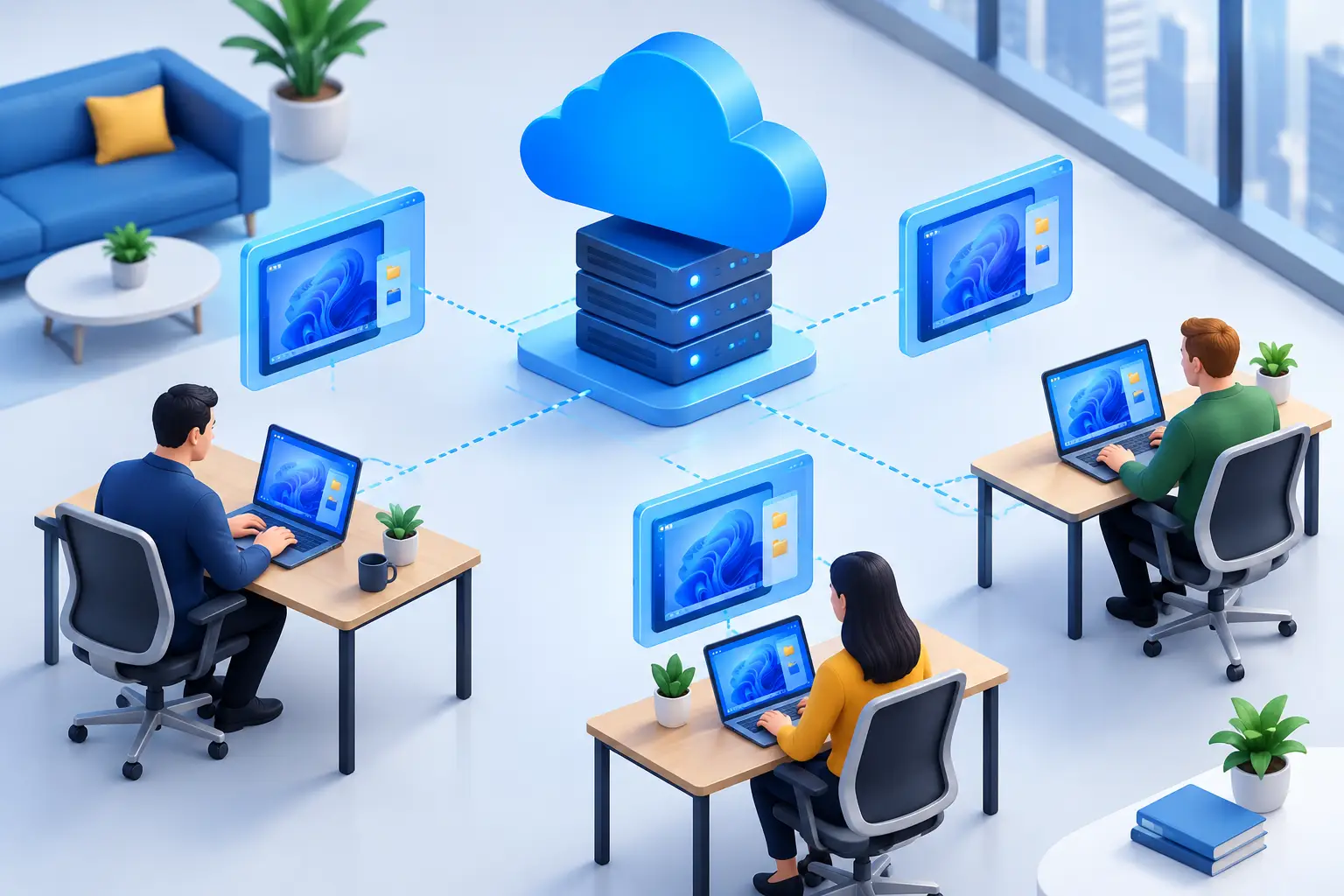
A virtual desktop is a centrally hosted Windows desktop that a user accesses from a laptop, desktop computer, thin client, or approved mobile device. The applications, user profile, and business data are processed in the hosted environment. The local device primarily displays the session and sends keyboard and mouse input back to the virtual desktop.
This differs from a conventional office computer, where files and applications often reside on the machine at an employee’s desk. If that device fails, is stolen, or is unavailable during a disruption, the user may lose access until IT can repair or replace it. With a properly configured virtual desktop, the user can sign in from another approved device and return to the same managed workspace.
The model can be delivered through a public cloud platform, a private data center environment, or a hybrid design that combines hosted desktops with on-premises applications and resources. The best fit depends on the organization’s compliance requirements, existing infrastructure, user count, application needs, and tolerance for ongoing cloud consumption costs.
Where the Business Value Comes From
The most immediate benefit is centralized control. Instead of maintaining separate applications, patches, and configurations across dozens or hundreds of endpoint computers, IT can manage a standardized desktop image and apply policies from a central platform. This does not eliminate endpoint management, but it can reduce variation and make support more predictable.
Security is another major consideration. When business files remain in the hosted environment rather than being stored locally, a lost endpoint creates less exposure. Access can be protected with multifactor authentication, conditional access policies, encryption, session controls, and role-based permissions. Centralized logging also gives IT and security teams better visibility into who accessed what and when.
For organizations in the Washington, DC metro area that support hybrid staff, contractors, satellite offices, or teams that travel between client sites, location-independent access can improve continuity. A user does not need to be in the office where their assigned computer is located. They need an authorized device, a dependable connection, and the appropriate credentials.
Virtual desktops can also speed up onboarding and recovery. A new employee can receive a preconfigured workspace with the approved applications and permissions for their role. If a laptop is damaged, IT can focus on securing or replacing the endpoint instead of rebuilding the employee’s entire working environment from scratch.
Security and Continuity Need Deliberate Design
A virtual desktop is not automatically secure because it is hosted somewhere else. The platform must be designed, monitored, patched, and backed up with the same discipline as any other critical business system. Misconfigured permissions, weak authentication, unpatched applications, and excessive administrator access can still create serious risk.
A sound implementation begins with identity. Multifactor authentication should be required, privileged accounts should receive additional safeguards, and access should be limited according to job responsibilities. Organizations with higher-risk data may also need restrictions on copy-and-paste functions, printing, local drive mapping, downloads, or access from unmanaged devices.
Business continuity also depends on more than desktop availability. The underlying applications, file storage, internet connections, identity services, and backup processes must be assessed together. If employees can reach their virtual desktops but cannot access the line-of-business application or shared data they need, operations are still interrupted.
This is where managed monitoring and documented recovery procedures matter. Proactive capacity monitoring can identify performance constraints before users feel them. Tested backup and disaster recovery processes help ensure that a configuration error, ransomware event, or infrastructure outage does not become a prolonged business interruption.
The Trade-Offs Leaders Should Evaluate
Virtual desktops are well suited to many organizations, but they are not a universal replacement for physical PCs. User experience is closely connected to network performance. Staff working from poor home internet connections may experience lag, especially when using video meetings, graphics-heavy applications, or large files.
Some software also requires careful testing. Specialized engineering, design, medical imaging, manufacturing, or legacy applications may rely on local hardware, USB peripherals, GPUs, licensing servers, or drivers that do not perform the same way in a virtual session. A pilot group should test the real workflows that keep the business moving, not just email and standard office applications.
Cost requires a full comparison as well. Centralized desktops can lower costs associated with endpoint replacement, support time, and security exposure. At the same time, they may introduce recurring expenses for cloud compute, storage, licensing, data transfer, backup, and specialized support. Consumption-based cloud pricing can rise if desktops run continuously or are sized larger than necessary.
The key question is not whether hosted desktops are cheaper in every case. It is whether the total investment produces better control, availability, supportability, and risk reduction than the current approach. For an organization with sensitive information and a distributed workforce, those outcomes may carry more weight than the price of an individual computer.
How to Assess Whether the Model Fits
Start with user groups rather than technology. Employees who use standard productivity applications, browser-based systems, CRM platforms, accounting software, and secure file access are often strong candidates. Staff with demanding graphics workloads, unusual peripherals, or unreliable connectivity may need a different configuration or may be better served by a managed physical workstation.
Next, document the applications and dependencies that users rely on each day. Include licensing methods, file locations, printers, scanners, specialty devices, authentication requirements, and integrations with on-premises systems. This step prevents a common implementation problem: building a technically functional desktop that does not support the actual work.
Then establish service expectations. Define acceptable login times, application performance, support response, backup retention, recovery objectives, and access requirements during an office outage. These standards turn a general technology project into an accountable service model.
A phased rollout is usually safer than a company-wide cutover. Begin with a representative department or user group, measure performance and support requests, address gaps, and refine the configuration before expanding. This approach gives leadership evidence about adoption and cost while limiting operational disruption.
Choosing the Right Operating Model
Organizations with limited internal IT resources often benefit from a fully managed approach. A qualified provider can design the environment, manage identity and security controls, monitor performance, apply patches, support end users, and coordinate recovery planning. This creates one point of accountability across desktop operations, infrastructure, and cybersecurity.
Companies with an established IT team may prefer a co-managed model. Internal staff can retain control of business applications, user policy, and strategic decisions while drawing on outside expertise for virtualization architecture, 24/7 support coverage, security operations, or data center capabilities. The division of responsibility should be documented clearly so issues do not fall between teams.
CMA Technologies approaches virtual desktop planning as part of a broader technology strategy. The desktop environment must work with cybersecurity controls, backup and disaster recovery, network capacity, business phone systems, and the physical office technology employees use each day. A solution that performs well in isolation but creates friction elsewhere is not a dependable solution.
Before committing to a platform, ask whether it will make normal work easier during both ordinary days and difficult ones. If it gives your people secure access, gives IT better control, and gives leadership a clearer path through disruption, virtual desktops can become a reliable foundation for growth rather than another system to manage.