
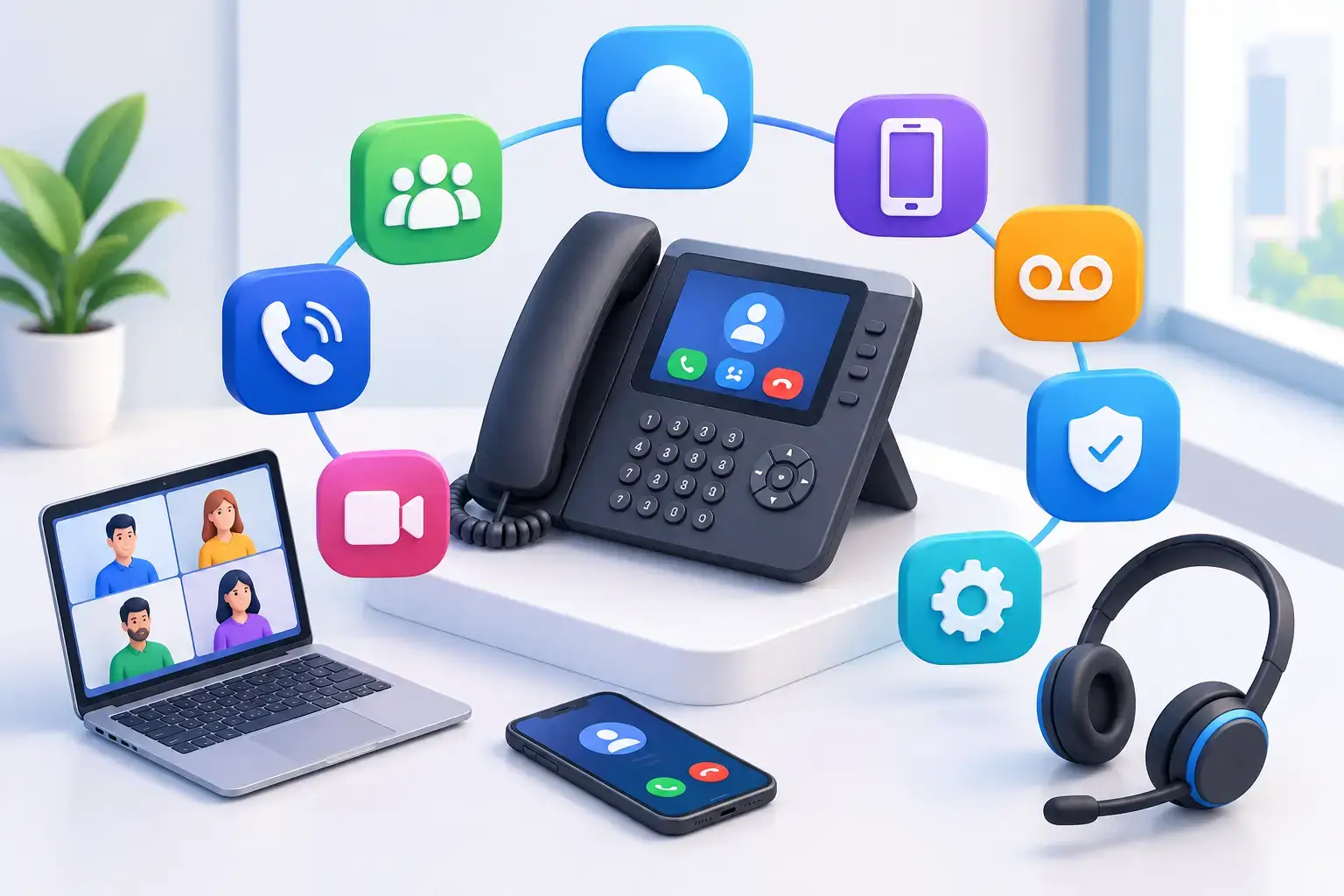
Best Business Phone System Features to Prioritize
A phone outage during a busy Monday morning is not a minor inconvenience. It can stop sales conversations, delay client service, and leave employees using personal cell phones without visibility or consistency. The best business phone system features are the ones that keep communication available, secure, and manageable when normal operations are under pressure.
For organizations that rely on VoIP, the decision should extend beyond handsets, extensions, and a low monthly price. A business phone system is part of the operational infrastructure. It needs to support employees wherever they work, protect sensitive conversations, and give leaders a clear way to maintain service during disruptions.
The Best Business Phone System Features Start With Reliability
A phone system should be evaluated first by what happens when something goes wrong. Internet circuits fail, power interruptions occur, offices close unexpectedly, and employees work from different locations. A dependable system has a plan for each of these conditions rather than assuming normal network availability.
Call continuity and failover
Automatic failover is one of the most valuable capabilities in a cloud-based phone system. If an office loses connectivity, incoming calls can be redirected to mobile devices, another office, a backup number, or a preconfigured call queue. This prevents a local outage from becoming a customer-facing communications failure.
Ask specifically whether failover rules are easy to configure, how quickly they take effect, and whether they can be tested without disrupting service. A feature that exists only in a provider’s documentation is less useful than one your team can validate and maintain.
Redundant infrastructure and service visibility
Phone providers should be transparent about service reliability, geographic redundancy, maintenance practices, and outage communication. While no provider can promise that disruptions will never occur, the right partner can explain how its platform responds when they do.
For many small and midsize organizations, service visibility matters as much as the platform itself. You should know who owns the issue when call quality declines: the internet provider, the network, the phones, the hosted service, or the configuration. A single accountable technology partner can reduce the time spent coordinating multiple vendors during an incident.
Network readiness and call quality
VoIP quality depends on the network supporting it. Even an excellent cloud phone platform can produce choppy audio, delay, or dropped calls when bandwidth is undersized or network traffic is poorly managed.
Before deployment, assess internet capacity, Wi-Fi coverage, switch performance, and quality-of-service settings. Voice traffic should be prioritized over less time-sensitive activity such as large downloads or guest wireless traffic. Organizations with multiple sites should also consider whether each location has adequate connectivity and a practical backup-internet option.
Core Communication Features That Improve Daily Operations
The right capabilities reduce call handling time and make a smaller team appear organized and responsive. The goal is not to purchase every available add-on. It is to select features that fit how callers reach your business and how employees resolve requests.
Auto attendants, call queues, and intelligent routing
An auto attendant gives callers a clear first step: “Press 1 for billing, 2 for service,” for example. Call queues then distribute calls to the appropriate people based on availability, schedule, skills, or a set order. Together, these tools prevent callers from reaching a dead end or relying on a single receptionist to direct every call.
Look for routing rules that account for business hours, holidays, lunch coverage, after-hours emergencies, and departmental escalation. A professional services firm may route calls by practice area. A healthcare office may need separate paths for appointments, clinical questions, and urgent concerns. The system should support the workflow without making routine changes difficult.
Desktop, mobile, and browser-based calling
Employees increasingly need to make and receive business calls away from their desks while preserving a professional caller ID and business record. Mobile and desktop applications let staff use their company extension from a laptop or smartphone without exposing a personal number.
This flexibility has a governance benefit as well. When business calls occur through the approved platform, organizations retain more control over call logs, voicemail, user access, and offboarding. Personal devices can still be used, but business communications do not have to become personal communications.
Voicemail management and transcription
Voicemail-to-email, transcription, shared voicemail boxes, and notification rules can shorten response times. A shared service voicemail inbox, for instance, allows a team to see whether a message has been addressed instead of assuming someone else handled it.
Transcription is useful, but it should not be treated as a perfect record. Accuracy can vary with accents, background noise, technical terms, and poor audio quality. Employees should review the original message when details affect a client commitment, payment request, or urgent service issue.
Security and Compliance Cannot Be Add-Ons
Voice systems handle more sensitive information than many leaders realize. Calls may include client details, financial information, health information, passwords, contract discussions, or internal operational plans. Cloud calling should receive the same security attention as email, file sharing, and other core business systems.
Identity controls and administrative access
Require multifactor authentication for administrators and, where available, for users. Use role-based permissions so reception staff can update basic directory information without receiving access to system-wide settings, recordings, or billing data.
The phone system should also support a disciplined user lifecycle. When someone joins, changes roles, or leaves, their extension, mobile access, voicemail, call forwarding, and permissions should be reviewed promptly. Former employees with active forwarding rules create both security and customer-service risks.
Fraud prevention and secure configuration
Toll fraud and account compromise can lead to unauthorized international calling, altered forwarding rules, or attempts to impersonate executives. Controls such as international dialing restrictions, alert thresholds, strong passwords, secure session settings, and regular configuration reviews reduce exposure.
Call recording deserves particular care. Recording can be valuable for training, dispute resolution, quality assurance, and compliance, but consent requirements vary by jurisdiction and use case. Retention periods, access permissions, storage location, and deletion procedures should be defined before recording is broadly enabled. Legal and compliance guidance is appropriate when calls involve regulated information or multiple states.
Emergency calling and location accuracy
Emergency dialing is a critical feature, especially for hybrid teams and organizations with multiple locations. The system should support accurate emergency location information, notify designated internal contacts when emergency calls occur, and make it practical to update a user’s location when they move.
This is not merely a technical setting. It requires an operational process. Employees need to understand why their location information matters, and administrators need a reliable method for keeping it current.
Reporting Turns Calls Into Operational Insight
A phone system should help leaders answer practical questions: Are callers waiting too long? Are service calls increasing? Does one department need more coverage at certain times? Are abandoned calls signaling a process problem?
Useful reporting includes call volume, wait time, abandoned-call rate, queue performance, peak call periods, missed calls, and agent availability. Supervisors should be able to schedule reports and view information without exporting raw data into complicated spreadsheets every week.
Metrics require context. A longer average call may indicate poor efficiency, but it may also reflect a team solving more complex customer issues on the first conversation. Use phone data alongside customer satisfaction, service ticket, and staffing information rather than treating one number as a complete measure of performance.
Integrations Should Solve a Specific Problem
Integrations with customer relationship management platforms, help desk tools, Microsoft Teams, calendars, and contact directories can reduce repetitive work. Screen pops can identify callers, click-to-call can eliminate dialing errors, and call notes can be tied to the client record.
However, integrations add administrative complexity and potential points of failure. Prioritize the workflows that produce a measurable benefit. If employees already work effectively in a CRM, connecting calls to client records may be worthwhile. If a feature will only be used by a few people, a simple process may be more reliable than a costly integration.
Questions to Ask Before Selecting a Phone System
When comparing providers, focus on the service model as well as the feature list. The following questions expose whether the solution will hold up after implementation:
- How are calls handled if our primary internet connection or office loses service?
- Who monitors call quality and troubleshoots network issues?
- What security controls, administrator logs, and fraud protections are included?
- How are emergency locations managed for office, remote, and mobile users?
- Which reports are available, and can department leaders access them easily?
- What implementation, training, number-porting, and ongoing support are included?
A lower per-user price can be attractive, but it may shift the burden of configuration, troubleshooting, security, and support onto internal staff. For organizations without a dedicated communications administrator, that trade-off often becomes apparent only after the first outage or major staffing change.
A business phone system should make it easier for people to reach the right person, easier for employees to respond professionally, and easier for leadership to protect continuity. Choose the features that support those outcomes, then ensure the network, security practices, and support model behind them are equally dependable.