
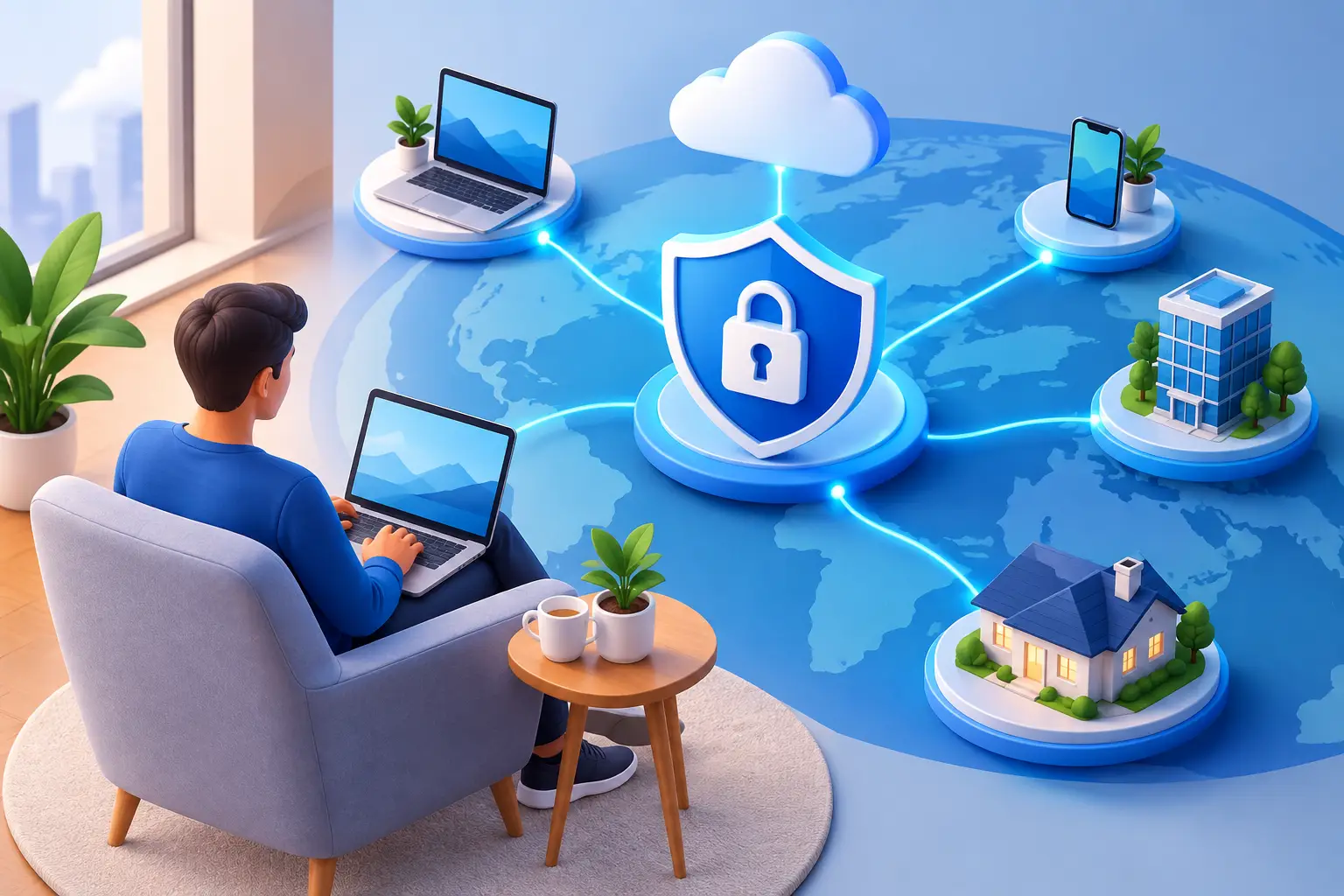
Secure Remote Access That Protects Work Anywhere
A finance director approves invoices from a hotel. An employee resolves a customer issue from home. A managed service vendor needs temporary access to a server after business hours. These ordinary situations can expose critical systems when secure remote access is treated as a convenience feature rather than a business control.
For organizations that rely on cloud applications, on-premises systems, and distributed staff, the goal is not to prevent remote work. It is to give authorized people dependable access to the resources they need while limiting opportunities for stolen credentials, unmanaged devices, ransomware, and unauthorized data transfer. The right approach protects productivity and strengthens operational resilience at the same time.
What secure remote access should accomplish
Secure remote access is the combination of identity controls, device protections, connection security, access rules, and monitoring that allows users to reach business systems from outside the office without unnecessarily exposing those systems to the internet.
A remote-access strategy should answer practical questions. Who needs access? What applications, files, and systems do they need? From which devices and locations? For how long? Most importantly, what happens when a login attempt or device does not meet the organization’s security requirements?
The answer will vary by organization. A law firm may need controlled access to case files from attorney-owned mobile devices. A healthcare provider may need stronger controls around patient information and session activity. A government contractor may have contractual or regulatory requirements that limit where data can be accessed and stored. A one-size-fits-all configuration is rarely sufficient.
Identity is the first security boundary
Passwords alone are not a secure remote-access policy. Password reuse, phishing, credential theft, and weak password practices give attackers a direct path into email, cloud applications, remote desktops, and network infrastructure.
Multi-factor authentication should be standard for remote access, particularly for email, administrative accounts, cloud platforms, and remote desktop tools. A second factor does not eliminate risk, but it significantly reduces the damage a stolen password can cause. Organizations should also use stronger verification methods for privileged users, such as authenticator applications, security keys, or conditional access rules that flag unusual sign-in behavior.
Access should follow the principle of least privilege. Employees need access to the systems required for their job, not broad access to every shared drive or network segment. Administrative rights deserve even tighter controls. IT personnel and outside vendors should use separate privileged accounts, with access that is reviewed regularly and removed when it is no longer needed.
This matters after staffing changes as well. A dependable offboarding process disables accounts, revokes active sessions, transfers ownership of files, and removes access from business applications promptly. Delays create avoidable exposure, especially when former employees have used personal devices.
Conditional access adds context
A successful password and multi-factor prompt should not always be the end of the decision. Conditional access policies can evaluate the context around a request, including the user, device status, location, application, and risk level.
For example, an organization may allow access to email from a personal phone but require a company-managed, encrypted laptop to reach financial systems or sensitive file shares. It may block sign-ins from high-risk locations, require additional verification for unfamiliar devices, or prevent downloads of confidential files to unmanaged equipment. These controls let leaders apply stronger protection where the business impact is higher.
Protect the device, not just the connection
A secure connection cannot compensate for an insecure endpoint. If a laptop has unpatched software, outdated antivirus protection, a compromised browser extension, or an unencrypted hard drive, remote access can extend that risk into the business environment.
Company-managed devices should have centralized patching, endpoint protection, disk encryption, screen-lock requirements, and inventory visibility. They should also be backed up where appropriate, especially if local files are part of an employee’s workflow. For staff working remotely, responsive technical support matters because security controls are more likely to be bypassed when users cannot get timely help.
Bring-your-own-device policies require a more deliberate balance. Personal devices may be appropriate for limited tasks, but they should not automatically receive the same access as managed corporate equipment. Mobile device management, application-level protections, browser-based access, and virtual desktop environments can reduce exposure without requiring sensitive data to reside on the user’s device.
Choose the access method based on the workload
Traditional virtual private networks remain useful when employees need access to internal resources that cannot yet be securely delivered another way. A properly configured VPN encrypts traffic between the user and the organization’s network. However, a VPN can also provide more network visibility than a user actually needs, and poorly maintained VPN appliances are common attack targets.
For many cloud-based workloads, direct access protected by identity management, multi-factor authentication, and conditional access can be more practical than routing all traffic through a VPN. This approach can improve performance and reduce dependence on a central network connection, but it requires disciplined configuration of each application and clear oversight of user permissions.
Virtual desktop infrastructure is another option for organizations handling highly sensitive data or applications that perform poorly over standard remote connections. Users work within a centrally managed desktop environment, which can keep data in the data center or cloud rather than on the endpoint. The trade-off is added cost, design complexity, and the need for dependable internet connectivity.
Remote desktop tools demand special care. They should never be casually exposed to the public internet. Limit access through secure gateways, require multi-factor authentication, restrict administrative permissions, and monitor sessions. If a system does not need remote desktop capability, disable it.
Segment access to limit the blast radius
An employee connecting remotely should not land on a flat network where every system is visible. Network segmentation separates systems and limits how users, devices, and applications communicate. If one account or endpoint is compromised, segmentation helps prevent an attacker from moving freely to servers, backups, security cameras, financial platforms, or other critical assets.
This is especially relevant for businesses with a mix of office technology and operational systems. A compromised conference room device should not create a path to accounting records. A vendor supporting a specialized application should not receive access to the entire corporate network. Separate access paths and permissions make incident response more manageable and reduce the consequences of a single mistake.
Monitor remote activity and plan for failure
Remote access is not secure simply because it was configured correctly once. User roles change, devices fall behind on patches, and attackers adapt. Ongoing monitoring identifies unusual sign-ins, repeated failed authentication attempts, impossible travel activity, unexpected privilege changes, and data-transfer patterns that deserve investigation.
Logging must be useful, not merely collected. Security and IT teams need visibility across identity platforms, endpoints, firewalls, cloud applications, and remote-access tools. A documented response process should define who investigates an alert, how access can be suspended, how affected systems are isolated, and how leadership is notified when an event could affect operations.
Business continuity also belongs in the conversation. If an employee cannot connect during an outage, can they still access essential tools through an approved alternative? If a remote-access system is compromised, can it be isolated without stopping the entire organization? Tested backups, recovery procedures, and documented communication plans turn remote-access planning into a broader resilience strategy.
Build secure remote access into daily operations
The strongest remote-access programs are designed around the way people actually work. Start by documenting critical applications, data types, user groups, devices, third-party connections, and administrative accounts. Then classify access by risk rather than giving every user the same level of connectivity.
Review access regularly, particularly after role changes, technology migrations, mergers, or the addition of a new vendor. Test remote-access controls before an urgent need exposes a gap. Staff should also understand how to recognize suspicious sign-in prompts, report lost devices, and request support without resorting to unsanctioned tools.
For organizations with limited internal IT capacity, a managed IT and cybersecurity partner can provide the monitoring, patching, access reviews, and response coverage needed to keep these controls effective. CMA Technologies helps organizations align remote-access design with daily support needs, security requirements, and continuity goals.
Secure remote access should let your people work where the business needs them without asking leadership to accept unnecessary risk. When access is intentional, monitored, and matched to the sensitivity of each system, technology remains available when it matters most.