
What Is IT Outsourcing? A Business Guide
A failed server at 8:15 a.m., a suspicious email sent to the entire finance team, or a remote employee who cannot access a critical application can quickly become a business problem, not just a technical one. That is the practical answer to what is IT outsourcing: engaging an outside technology provider to take responsibility for some or all of the systems, support, security, and planning your organization relies on.
For many organizations, outsourcing IT is not about giving up control. It is about gaining dependable coverage, specialized expertise, and a clear service model without building every capability internally. The right arrangement keeps technology available, secure, and aligned with the work your people need to do.
What Is IT Outsourcing in Practice?
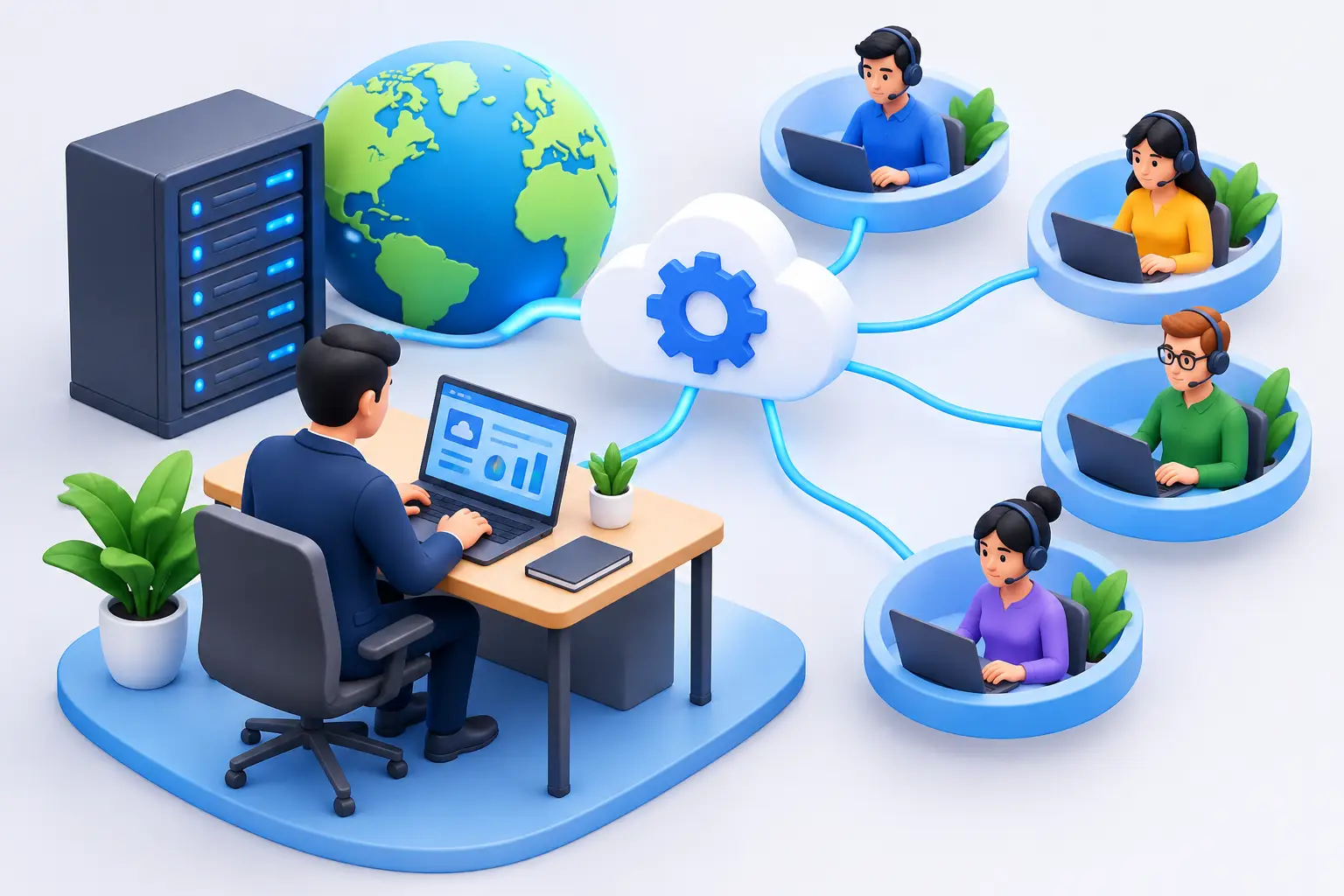
IT outsourcing is an agreement in which a business uses an external provider to perform technology functions that might otherwise be handled by employees. Those functions can be narrow, such as managing a cloud migration or providing help desk support. They can also be comprehensive, with one provider overseeing the network, devices, cybersecurity, backups, user support, vendor coordination, and long-term IT strategy.
The model should reflect the organization’s needs. A business with no internal IT department may choose fully managed IT services. In that arrangement, the provider serves as the primary IT team, handling day-to-day operations and advising leadership on technology decisions.
A company with an experienced internal IT manager may choose co-managed IT instead. The outside provider supplements the internal team with 24/7 monitoring, after-hours support, cybersecurity tools, project resources, or specialized infrastructure knowledge. This can reduce pressure on a small IT department without displacing the people who know the business best.
Project-based outsourcing is another option. An organization may bring in outside expertise for a network refresh, office move, Microsoft 365 deployment, disaster recovery plan, or security assessment. It solves a defined need, but it does not provide the continuous oversight that managed services offer.
What Services Can Be Outsourced?
The scope varies, but effective IT outsourcing usually covers more than responding when something breaks. It creates an operating model for preventing problems, recovering quickly when incidents occur, and making sound technology decisions before risks become expensive.
A managed provider may take responsibility for services such as:
- End-user help desk support for employees, whether they work in the office, at home, or on the road
- Network, server, cloud, and endpoint monitoring to identify issues early
- Patch management and routine maintenance for operating systems and business applications
- Cybersecurity controls, including email protection, endpoint security, vulnerability management, and incident response planning
- Data backup and disaster recovery designed around recovery objectives, not assumptions
- Strategic planning, budgeting, vendor management, and documented technology roadmaps
Some businesses also outsource specialized workplace technology. That can include business phone systems, wireless networks, structured cabling, security cameras, audiovisual conference rooms, and data center or colocation services. When these systems are managed together, accountability is clearer. The provider can see how an office network, collaboration platform, security controls, and core infrastructure affect one another.
Why Businesses Choose Outsourced IT
The most immediate benefit is often access to a broader team. Hiring one internal IT professional does not automatically provide expertise in security operations, cloud architecture, backup design, networking, compliance, and user support. An outsourced provider gives the business access to multiple skill sets under one service relationship.
Predictable costs matter as well. Technology spending can become difficult to manage when every issue leads to an unexpected invoice or emergency hardware purchase. A managed service agreement typically establishes a recurring cost for agreed-upon support and oversight. It does not eliminate project costs or hardware investments, but it makes routine IT operations easier to budget.
Outsourcing can also improve responsiveness and continuity. Internal employees may be stretched across daily support, strategic projects, and vendor conversations. If they are unavailable, the business can be exposed. A well-staffed provider offers documented processes, shared visibility, and coverage that is not dependent on one person’s schedule or institutional knowledge.
Security is another major factor. Ransomware, account compromise, and business email fraud are operational threats. They can interrupt service, expose sensitive information, and create financial or regulatory consequences. Outsourced IT does not guarantee immunity from attacks, but it can establish disciplined practices around monitoring, patching, access controls, backups, employee awareness, and incident response.
For organizations in the Washington, DC region that serve regulated clients, handle sensitive data, or support government and defense work, that added security structure can be particularly valuable. The appropriate controls depend on the organization’s obligations, systems, and risk tolerance.
The Trade-Offs to Consider
IT outsourcing is not a cure-all. A provider cannot make sound recommendations without understanding your people, applications, workflow, and business priorities. If the relationship is treated as a generic help desk contract, the business may receive reactive support but miss the strategic value of ongoing technology management.
There is also a difference between low-cost coverage and accountable service. A provider that promises unlimited support at an unusually low price may limit the scope of work, rely heavily on remote triage, or exclude essential security and project planning. Before comparing monthly fees, leaders should understand what is included, how service requests are prioritized, who owns vendor coordination, and what happens during a significant outage.
Outsourcing also requires internal participation. Someone in the organization should remain responsible for setting priorities, approving budgets, communicating business changes, and reviewing performance. The provider manages technology, but leadership defines what the technology must support.
How to Evaluate an IT Outsourcing Partner
Start with the business outcomes you need. For example, you may need fewer disruptions for a client-facing team, stronger protection for financial data, support for a hybrid workforce, or a reliable plan for opening another location. Those goals should guide the service design.
Then ask practical questions. How are urgent issues handled? Is support available after hours? What monitoring and security tools are included? How often will leadership receive reporting and meet to review strategy? Who will coordinate with internet, software, telecom, and hardware vendors? How are backups tested, and how long would it take to restore critical operations after an incident?
A capable provider should answer clearly, without relying on vague assurances. It should also be willing to identify gaps. If aging hardware, unsupported software, weak identity controls, or untested backups create risk, an honest technology partner will explain the problem and recommend a prioritized path forward.
Experience in your environment matters, but so does cultural fit. The provider will interact with your employees during stressful moments. Look for a team that communicates plainly, documents its work, takes ownership of issues, and treats technology decisions as business decisions.
Making the Transition Work
A successful transition begins with discovery. The provider needs an accurate inventory of users, devices, applications, licenses, network equipment, cloud services, vendors, and current security controls. This phase often reveals undocumented systems, inactive accounts, missing warranties, and backup gaps that would otherwise remain hidden.
Next comes stabilization. Critical risks should be addressed first: administrator access, multi-factor authentication, endpoint protection, patching, backup verification, network visibility, and support procedures. Not every improvement needs to happen in the first month. A realistic roadmap protects daily operations while moving the organization toward a more secure and manageable environment.
Clear communication is essential during this period. Employees need to know where to request help, how urgent issues are escalated, and what changes to expect. Leadership should understand the initial findings, immediate priorities, ongoing service scope, and future investment recommendations.
The best outsourced IT relationships become less visible over time for the right reason: problems are identified earlier, employees know where to get help, and leadership has a practical view of technology risk and direction. Choose a partner that earns that confidence through consistent service, transparent communication, and technology decisions that support the way your business intends to grow.