
How to Implement Multifactor Authentication Companywide
A stolen password can give an attacker the same access as a trusted employee, often without triggering immediate suspicion. To implement multifactor authentication companywide, organizations need more than a switch in Microsoft 365 or a companywide email asking staff to install an app. They need an access policy, a staged rollout, reliable support, and controls that account for every user, device, application, and exception.
For organizations that depend on cloud applications, remote access, shared files, financial systems, or sensitive client data, multifactor authentication is one of the most effective ways to reduce account compromise. It adds a second verification step after a password, making a leaked or guessed credential far less useful to an attacker. The value is clear. The challenge is deploying it without creating preventable disruption for employees, executives, contractors, and customers.
Why Companywide MFA Requires a Business Plan
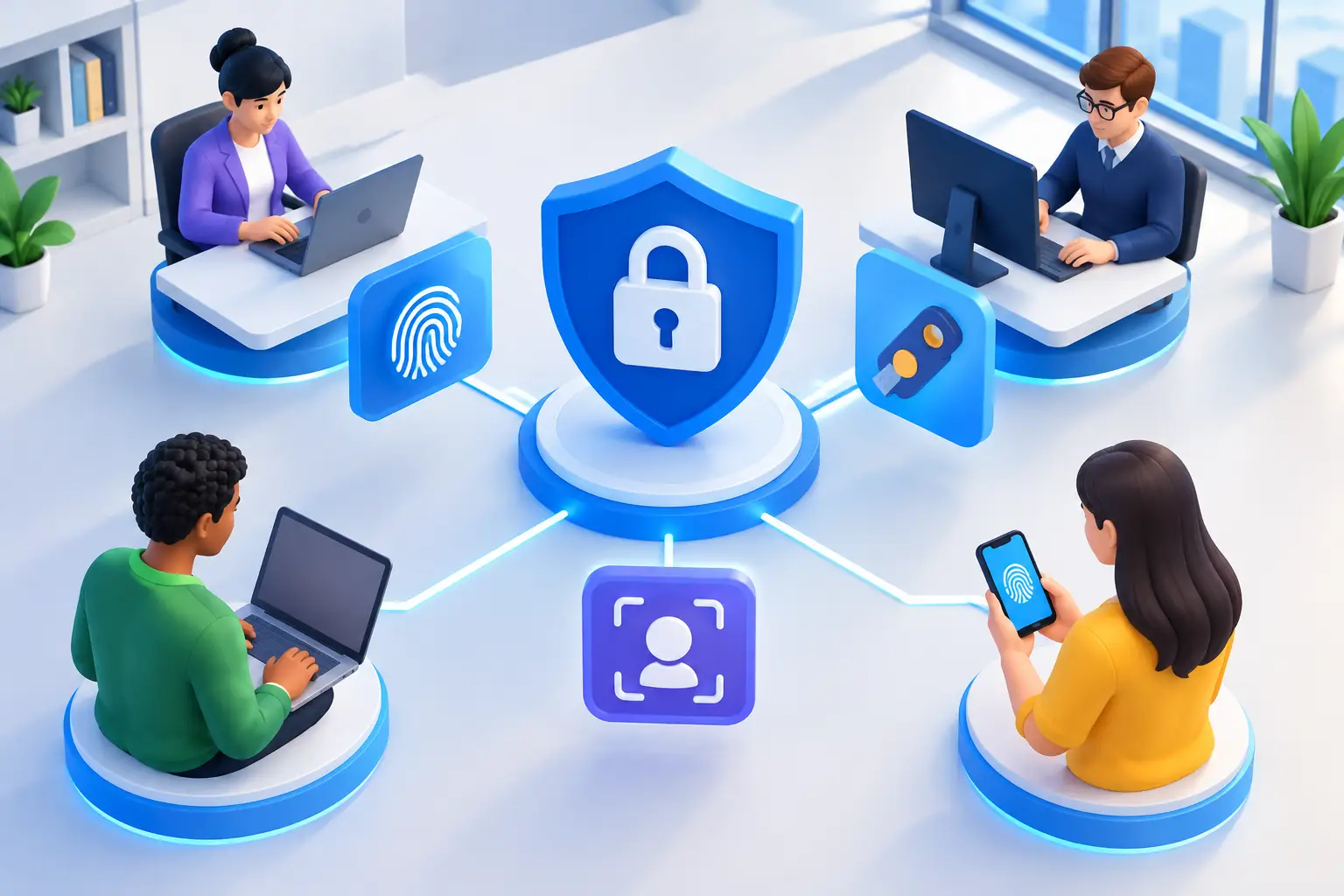
Multifactor authentication, commonly called MFA, verifies identity with more than one factor. This can be something a user knows, such as a password; something they have, such as an authenticator app or security key; or something they are, such as a fingerprint or facial recognition.
The word companywide matters. A partial rollout can leave the accounts attackers want most outside the control. Administrators, finance staff, executives, remote workers, and third-party vendors may all have different access patterns, but they also represent high-value targets. An attacker only needs one unprotected account to create a serious problem.
A strong deployment balances security with operational reality. Requiring a second factor every time someone opens a low-risk application could create unnecessary friction. Allowing permanent exemptions for convenience can weaken the program. The right policy depends on the applications in use, regulatory obligations, workforce model, and the potential impact of a compromised account.
Start With an Identity and Access Inventory
Before enforcing MFA, identify where and how people authenticate. Many organizations begin with Microsoft 365, Google Workspace, or a remote-access VPN. Those are essential starting points, but they are rarely the complete picture. Line-of-business applications, cloud accounting platforms, password managers, remote management tools, HR systems, backup portals, and network administration interfaces may each use separate credentials.
Document the systems that support single sign-on, those that rely on local accounts, and those that use older authentication methods. Legacy email protocols and outdated applications can bypass modern authentication controls or fail when MFA is introduced. Discovering that after enforcement creates avoidable downtime.
This review should also identify every account type: employees, executives, temporary staff, contractors, vendors, shared service accounts, privileged IT accounts, and emergency access accounts. Shared user accounts deserve special attention. MFA is designed to verify an individual, so a shared login makes accountability and recovery much harder. Where possible, replace shared credentials with named accounts and appropriate role-based access.
Classify Accounts by Risk
Not every account requires identical controls, but higher-risk accounts should receive stronger protection first. Privileged administrators, finance personnel with payment authority, executives, and users who access regulated or confidential data should be early priorities.
For these groups, phishing-resistant methods such as FIDO2 security keys or certificate-based authentication may be preferable to text-message codes. SMS MFA is better than password-only access in many cases, but it can be vulnerable to SIM-swapping and social engineering. Authenticator apps with number matching, push approval protections, or hardware security keys offer stronger assurance.
Choose Methods Employees Can Use Reliably
The best MFA method is one that is secure enough for the risk and practical enough that employees can use it consistently. A mobile authenticator app is often the standard choice because it is widely supported and does not depend on cellular service for time-based codes. However, not every employee has a company-issued smartphone or can reasonably use a personal phone for work authentication.
Provide an approved alternative for those situations. Hardware tokens and security keys can be appropriate for shared workstations, restricted facilities, field teams, and roles where personal-device use is limited. A policy that assumes every employee has the same device access will create exceptions, and unmanaged exceptions become security gaps.
Build a clear recovery process at the same time. Employees replace phones, lose devices, travel, and occasionally become locked out. Service desk staff need a documented way to verify identity before resetting MFA factors. That verification should be stronger than asking for readily available personal information or sending a code to the same compromised email account.
Roll Out MFA in Stages, Not All at Once
A phased deployment gives the organization time to resolve application conflicts, improve communications, and train support staff. Start with IT administrators and other privileged users. This validates the technical configuration while immediately protecting accounts that could affect the entire environment.
Next, use a pilot group that represents different departments, work locations, device types, and technical comfort levels. Include remote users and employees who regularly access systems from mobile devices. Their feedback will expose practical issues that may not appear in a lab test, such as a line-of-business app that does not support modern authentication or a sign-in prompt that is confusing on a shared device.
Once the pilot is stable, expand by department or location with a published enrollment window and firm enforcement date. Give staff enough notice to register their approved factors, but avoid leaving the deadline open indefinitely. A rollout without enforcement often becomes a permanent optional program.
Communicate What Will Change and Why
Employees are more likely to cooperate when the communication is specific. Tell them which systems will require MFA, when the change takes effect, which methods are approved, where to get help, and what to do if they lose a phone or cannot enroll.
Keep the message business-focused. MFA protects payroll information, client records, email conversations, financial accounts, and the organization’s ability to operate. It also reduces the likelihood that a staff member’s account is used to send fraudulent requests to coworkers or customers.
Support materials should use screenshots and plain language. A short enrollment guide and an internal support contact are more useful than a policy document full of technical terms. During the first days of enforcement, make sure the help desk has additional coverage and a defined escalation path for access-critical issues.
Configure Policies That Reduce Real Risk
MFA enforcement is only one part of identity security. Conditional access policies can require stronger authentication when risk is higher, such as a sign-in from an unfamiliar location, a new device, an administrative portal, or a service that contains sensitive data. They can also block access from unsupported devices or countries where the organization has no legitimate business activity.
Avoid broad policies that lock out employees without a tested exception process. For example, a policy that requires a managed device for every cloud application may be appropriate for a highly regulated environment but impractical for a workforce that securely uses approved personal devices. Define the business purpose for each policy and test it against normal work scenarios.
Disable legacy authentication where possible. Older protocols often cannot enforce modern MFA and are frequently targeted in password-spraying attacks. If a critical legacy system cannot support MFA, document the risk, limit its access, monitor it closely, and create a modernization plan rather than treating the exception as permanent.
Protect Emergency and Non-Human Access
Every organization should maintain tightly controlled emergency access accounts, sometimes called break-glass accounts. These accounts are used only if the normal identity platform or MFA service is unavailable. They should have long, unique passwords stored in a secure process, minimal required privileges, strict monitoring, and regular tests. They are not convenience accounts for bypassing MFA.
Service accounts, application integrations, and automated processes require a separate review. They should not rely on a person’s password and MFA prompt. Use managed identities, certificates, API keys with limited scope, or other approved machine-to-machine authentication methods when available. Track ownership so these accounts are not forgotten when an employee changes roles or leaves.
Measure Adoption and Keep Improving
After enforcement, review sign-in logs, failed authentication attempts, help desk trends, and exception requests. Repeated failures can reveal a training issue, an application compatibility problem, or an attempted attack. A sudden series of MFA prompts may indicate push-fatigue tactics, where attackers hope a user eventually approves a fraudulent request.
Train employees never to approve an unexpected prompt. If they receive one, they should deny it and report it promptly. This small behavioral expectation can stop an account takeover before it becomes a larger incident.
MFA policies also need periodic review as the business adds applications, hires staff, changes locations, or takes on new compliance obligations. An experienced managed IT and cybersecurity partner can help assess identity systems, configure policies, support users during rollout, and monitor for suspicious authentication activity. For organizations across the DC metro area, that support can turn MFA from a one-time project into a dependable part of daily security operations.
The goal is not to make sign-ins difficult. It is to make unauthorized access difficult while keeping legitimate work moving. A thoughtful MFA program gives employees a clear process, gives leaders visibility into risk, and gives the organization a stronger foundation for the systems it relies on every day.