
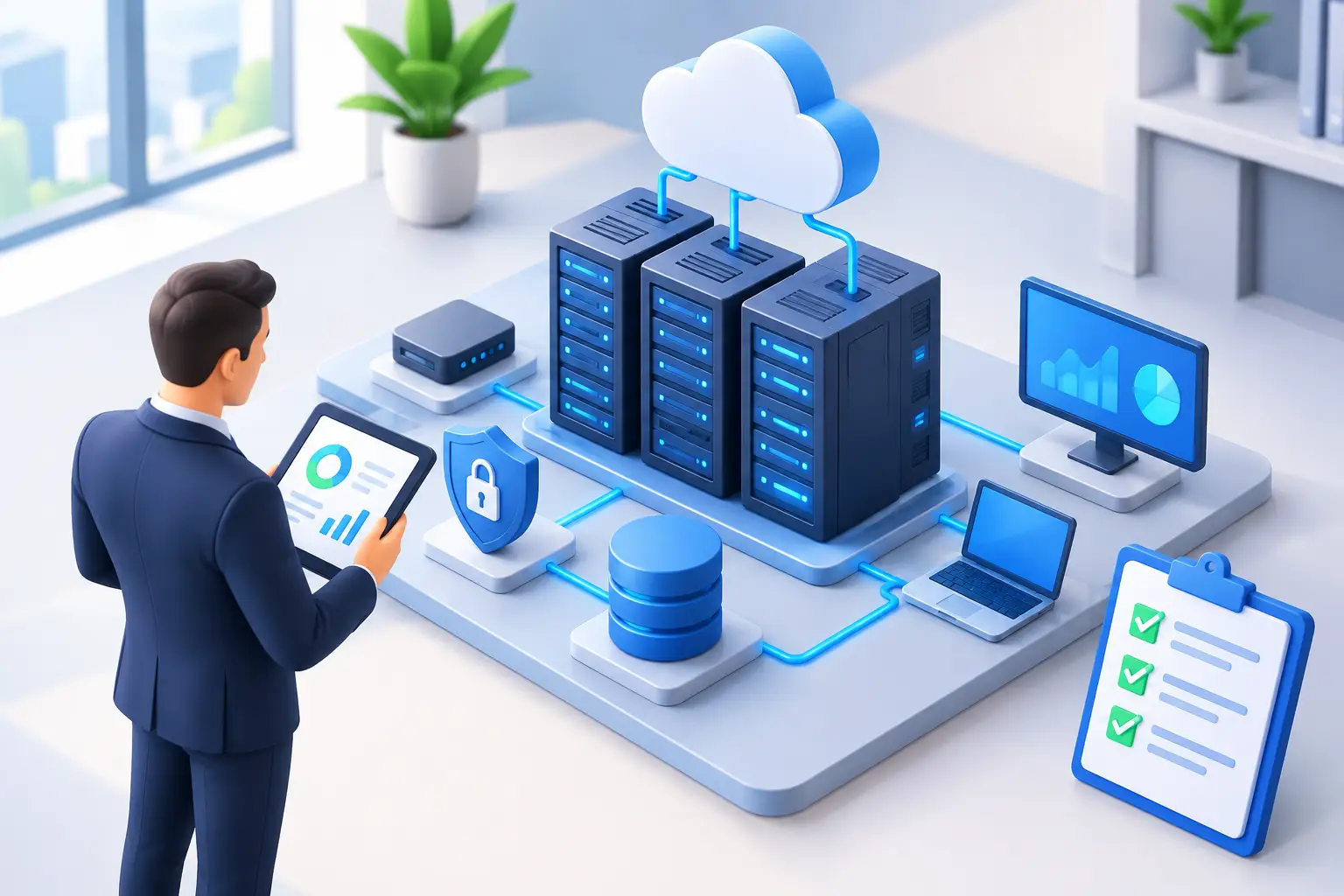
IT Infrastructure Assessment Guide for Leaders
A server reaches end of life. A backup has not been tested. An employee reports a suspicious email after entering credentials. These are not isolated technical problems. They are operational risks that can disrupt service, expose sensitive data, and force leadership into expensive decisions under pressure. An IT infrastructure assessment guide gives business leaders a structured way to identify those risks before they become incidents.
For small and midsize organizations, the goal is not to create a long inventory that sits unused. A useful assessment establishes a clear picture of what the business depends on, where weaknesses exist, and which improvements deserve attention first. It should connect technology findings to downtime, security exposure, compliance obligations, staff productivity, and planned growth.
What an IT Infrastructure Assessment Should Answer
An infrastructure assessment is a detailed review of the systems, services, devices, processes, and vendors that support daily operations. It looks beyond whether employees can connect to the network today. It asks whether the environment can remain secure, recover from disruption, support new demands, and be managed predictably over time.
Leadership should be able to get direct answers to several practical questions: What systems are essential to serving customers? Where could a single equipment failure stop work? Which security controls are missing or inconsistently applied? Can the organization restore its data within an acceptable time after ransomware, hardware failure, or a site outage? Are technology costs and responsibilities clearly understood?
The answer is rarely that every system needs replacement. Many organizations have capable equipment and useful cloud services, but lack documentation, lifecycle planning, tested recovery procedures, or consistent security management. The assessment separates manageable gaps from urgent exposure.
Start With Business Priorities, Not a Device List
A technical inventory matters, but it should not be the starting point. Begin by identifying the business processes that cannot be interrupted for long. That may include client communication, financial transactions, case management, scheduling, production systems, secure file access, or line-of-business applications.
For each critical process, define the practical impact of an outage. A professional services firm may be able to work around a short printer failure but not a prolonged Microsoft 365 outage. A healthcare organization may have stricter requirements for system access, privacy, and recovery. Government contractors may need to consider contractual security obligations in addition to ordinary operational risk.
This context helps establish recovery priorities. It also prevents an assessment from becoming a generic checklist where a minor inconvenience receives the same attention as a system that could halt revenue or create a compliance incident.
Document Critical Systems and Dependencies
A business application is only as available as the services beneath it. For example, an on-premises application may depend on a server, a database, network switching, internet connectivity, user authentication, backups, and a vendor support agreement. If any one of those dependencies is overlooked, the recovery plan may be incomplete.
Document where each critical workload runs, who owns it, who administers it, how users access it, and what would happen if it became unavailable. Include cloud applications as well as physical infrastructure. Cloud software can reduce local hardware burden, but it does not remove the need for account security, backup decisions, access governance, and vendor oversight.
Review the Core Infrastructure
Once business priorities are clear, evaluate the condition and configuration of the environment that supports them. This usually includes servers, workstations, network switches, wireless access points, firewalls, internet circuits, storage, phone systems, and collaboration technology.
Age is a useful indicator, but it is not the only one. A newer firewall can still be poorly configured. A server that is technically supported may have insufficient capacity, no documented recovery process, or a dependency on one person who knows how it works. Conversely, older equipment may be acceptable for a limited role if it is stable, monitored, protected, and included in a defined replacement plan.
Pay close attention to single points of failure. A single internet connection, aging network switch, unsupported server, or unmanaged wireless network may be tolerable in some low-impact settings. For organizations that require continuous access, those dependencies need redundancy or a documented workaround.
Assess Endpoint Management and Patch Discipline
Employee laptops, desktops, and mobile devices are common entry points for security incidents. An assessment should confirm that supported operating systems are in use, security patches are applied on a defined schedule, and endpoint protection is centrally managed.
It should also review how devices are deployed and retired. Can a new employee receive a properly configured computer quickly? When someone leaves, are accounts disabled, devices recovered, and company data protected? Inconsistent onboarding and offboarding create security gaps that often remain invisible until an audit or incident reveals them.
Evaluate Security Controls as an Operating Practice
Security is not a product category. It is a set of ongoing controls that must work together. A firewall, antivirus tool, or multi-factor authentication platform provides limited value if it is not monitored, maintained, and applied consistently.
A thorough assessment should review identity and access management, multi-factor authentication, password practices, privileged accounts, email security, endpoint detection, vulnerability management, network segmentation, and log monitoring. It should also examine who receives alerts and what happens when suspicious activity is detected outside business hours.
The right control level depends on the organization. A small office with limited sensitive information has different needs than a law firm, healthcare provider, financial services organization, or defense contractor. Still, every organization should know whether it can detect a likely compromise, contain it quickly, and investigate what occurred.
Security awareness deserves attention as well. Employees should understand how to report suspicious messages and unusual requests without fear of blame. Training alone will not stop every phishing attempt, but clear reporting procedures can reduce the time an attacker has to move through an environment.
Test Backup and Recovery, Not Just Backup Status
A green backup dashboard does not prove the organization can recover. Backups can fail silently, exclude critical data, retain data for too short a period, or be inaccessible when a ransomware event affects production systems.
Assess what is backed up, how often, where copies are stored, how long they are retained, and whether they are protected from unauthorized deletion or encryption. Then test restoration. Restore a file, an application, or a representative server and measure how long the process takes.
Recovery objectives should be tied to business needs. Recovery point objective describes how much data the organization can afford to lose, while recovery time objective describes how long a service can be unavailable. Faster recovery usually requires more investment in infrastructure, replication, or managed recovery services. The right choice depends on the cost of downtime, not on a one-size-fits-all standard.
Examine Documentation, Ownership, and Vendor Risk
Many technology environments are more fragile than they appear because knowledge lives with one employee, a former consultant, or an undocumented vendor account. An assessment should identify gaps in network diagrams, administrator credentials, asset records, software licensing, support contracts, and recovery procedures.
Vendor relationships require review too. Know which providers host data, which systems they can access, what service commitments they make, and how the organization would respond if a vendor experiences an outage or ends support for a product. This is especially relevant when multiple providers manage separate parts of the environment without a clear owner coordinating the whole picture.
A managed IT partner can provide that accountability, while an internal IT team retains business knowledge and control. In a co-managed model, clarity around responsibilities is essential. Define who handles patching, security alerts, vendor escalation, user support, infrastructure changes, and strategic planning before an urgent issue exposes uncertainty.
Turn Findings Into a Prioritized Roadmap
The most valuable output of an assessment is a practical roadmap, not a list of defects. Rank findings by business impact, likelihood, urgency, cost, and effort. Critical risks, such as unsupported systems exposed to the internet or untested backups for essential data, should be addressed quickly. Other improvements can be planned around budget cycles, office moves, growth initiatives, or scheduled hardware refreshes.
A useful roadmap identifies immediate remediation, near-term projects, and longer-term investments. It should also assign ownership and define what success looks like. For example, replacing a firewall is not the outcome. The outcome is a supported, monitored perimeter with documented configuration, secure remote access, and clear incident response procedures.
For organizations in the DC metro area, where client obligations, regulatory expectations, and operational demands can change quickly, this discipline helps technology become a managed business asset rather than a recurring source of uncertainty. CMA Technologies approaches assessments with that same focus: identify the risks that matter, establish accountability, and build an environment that can support the way the business needs to operate.
A well-run assessment should leave leadership with confidence, not alarm. The purpose is to make informed choices while there is time to make them carefully, protect the systems people rely on, and keep technology aligned with the work that moves the organization forward.