
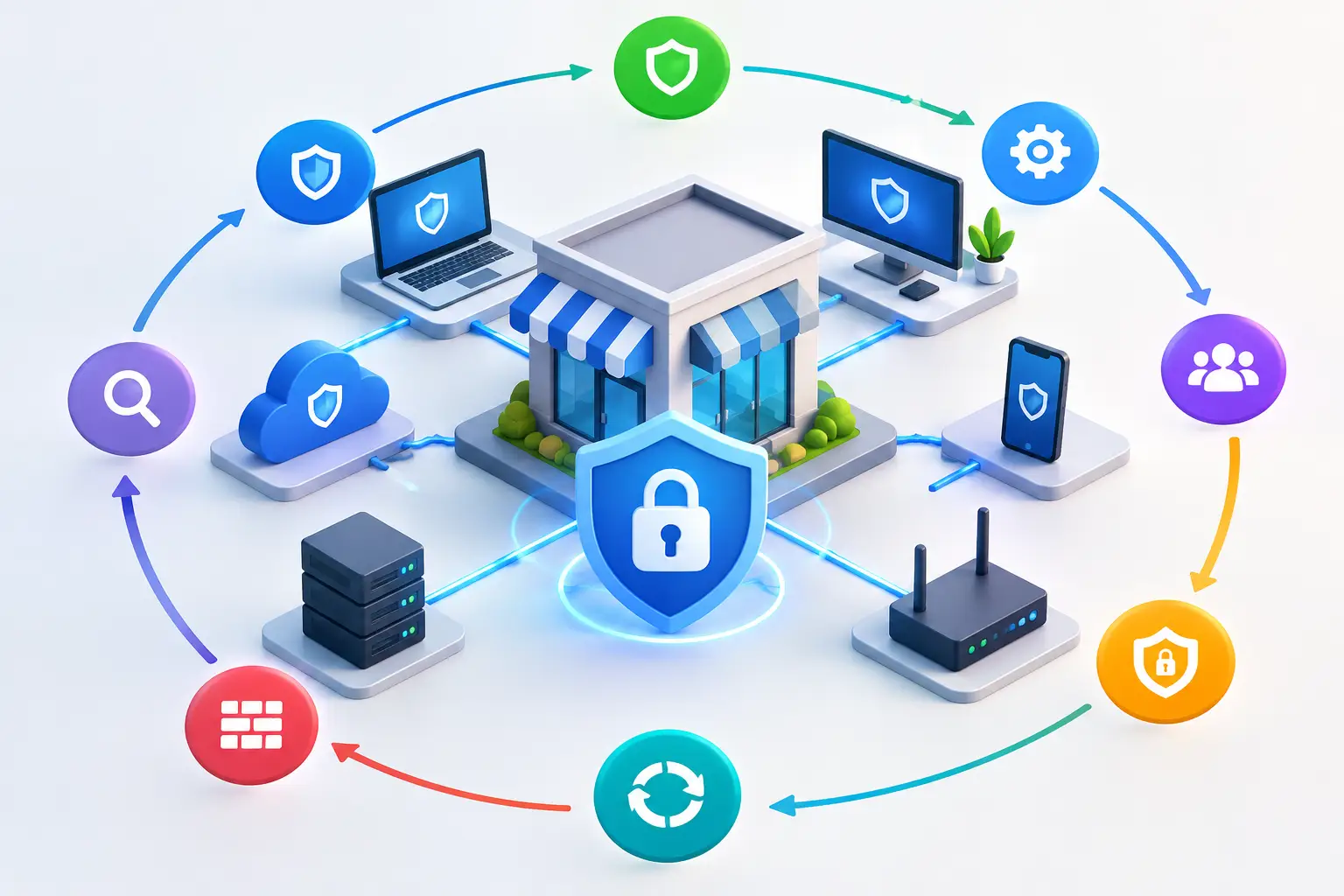
Small Business Network Security Guide in 8 Steps
A security incident rarely begins with a dramatic system failure. More often, it starts with a convincing invoice email, a reused password, an unpatched laptop, or a former employee account that still has access. This small business network security guide focuses on the practical controls that make those routine weaknesses far less likely to disrupt your operations.
For a growing organization, network security is not a single product or an annual compliance exercise. It is the discipline of protecting the systems, people, data, and connections that keep the business moving. The goal is not to eliminate every risk. It is to make an attack harder to carry out, easier to detect, and less damaging to recover from.
1. Start With What Your Business Must Protect
Before selecting tools, identify the systems your organization cannot afford to lose. For many businesses, that includes email, Microsoft 365 files, financial systems, customer information, line-of-business applications, phones, and internet connectivity. For others, it may include regulated data, intellectual property, security camera footage, or systems supporting contractual obligations.
Document where this information lives, who can access it, and what would happen if it became unavailable for a day, a week, or longer. This exercise gives security decisions business context. A law firm may prioritize confidential client files and email security. A healthcare practice must account for protected health information. A government contractor may need controls that support specific client or regulatory requirements.
This inventory also exposes a common issue: technology often expands faster than oversight. A department may subscribe to a cloud application, store sensitive documents in a shared folder, or connect an unmanaged device without IT realizing the new exposure exists.
2. Secure Identity Before the Network Perimeter
Most small business attacks now target user identities rather than attempting to force their way through a firewall. If an attacker can sign in as a legitimate employee, they may gain access from anywhere and appear credible to coworkers, vendors, and customers.
Every user account should have a unique password, multi-factor authentication, and access limited to what that person needs for their job. Multi-factor authentication is especially valuable for email, remote access, cloud applications, administrative accounts, and financial platforms. It does add a small step to sign-in, but that friction is far less costly than a compromised mailbox or fraudulent wire transfer.
Administrative access deserves stricter treatment. Staff should not use privileged administrator accounts for routine email or web browsing. Separate accounts for administrative tasks reduce the chance that a phishing incident becomes a full network compromise. Review access when employees change roles, and remove it promptly when they leave.
3. Build a Network That Limits the Blast Radius
A flat network gives every connected device broad visibility and often broad access. That may be convenient during setup, but it creates unnecessary risk. If ransomware reaches one workstation, a flat network can make it easier for the attack to spread to servers, backups, shared storage, or other endpoints.
Network segmentation separates systems according to their purpose and level of trust. Employee devices, servers, guest wireless, voice systems, cameras, building technology, and management interfaces should not all operate in the same unrestricted environment. Segmentation does not stop every attack, but it contains movement and gives the IT team more control over what can communicate.
Guest Wi-Fi should always be isolated from business systems. The same principle applies to personal devices and Internet of Things equipment. A conference room display or security camera may be useful, but it should not have the same access as an accounting workstation.
A properly configured business-grade firewall remains essential. It should be actively managed, kept current, and configured around your actual environment, not left with broad default rules. Security logs and alerts are useful only when someone reviews them and can respond to unusual activity.
4. Treat Email as a Primary Security Boundary
Email is still the most common entry point for phishing, malware, credential theft, and business email compromise. A single message that appears to come from an executive, vendor, or bank can prompt an employee to disclose credentials or redirect a payment.
Effective email security combines filtering technology with clear employee procedures. Filtering can block known malicious links, spoofed domains, and suspicious attachments, but no filter catches everything. Employees need a simple way to report questionable messages and confidence that asking before acting is the right decision.
Create verification procedures for financial changes. A request to update banking details, pay an unfamiliar invoice, purchase gift cards, or release sensitive data should be confirmed through a trusted, separate channel. Do not use the phone number or reply address supplied in the suspicious message. This process may feel deliberate, but it protects the organization from losses that can occur in minutes.
5. Keep Every Device Patched, Protected, and Accounted For
Attackers frequently exploit known vulnerabilities because unpatched systems remain common. Operating systems, browsers, firewalls, servers, business applications, and firmware all require a structured patching process. Critical security updates should be addressed quickly, while routine updates should follow a defined schedule with testing where appropriate.
Patching is not simply a matter of clicking update. A business needs visibility into what devices exist, whether they are supported, and whether updates installed successfully. Unsupported operating systems and aging hardware introduce risk that no amount of careful policy can fully offset.
Each managed computer should also have centrally monitored endpoint protection. Modern endpoint security can identify suspicious behavior, isolate an infected device, and provide the evidence needed to investigate. The trade-off is that these tools require active oversight. Alerts without defined response ownership can create a false sense of security.
6. Back Up Data for Recovery, Not Just Retention
A backup is valuable only if it can be restored when the business needs it. Ransomware, accidental deletion, hardware failure, and cloud service issues can all affect critical data. Businesses should maintain protected backups that are separate from the primary environment and resistant to unauthorized deletion or encryption.
The right backup design depends on your recovery objectives. Ask two direct questions: How much recent work can we afford to lose, and how long can we operate without this system? The answers determine backup frequency, storage design, and recovery priorities.
Test restores regularly. It is not enough to receive a report confirming that a backup job completed. Your team should know whether files, applications, servers, and critical configurations can be restored within an acceptable timeframe. For many organizations, a documented disaster recovery plan and periodic recovery test are as important as the backup platform itself.
7. Monitor Continuously and Prepare for an Incident
Small businesses are often not targeted because they are small. They are targeted because attackers expect limited monitoring, inconsistent patching, and slower response. Continuous monitoring helps identify failed backups, unusual login attempts, inactive security controls, network outages, and signs of compromise before they become a larger operational problem.
An incident response plan should answer practical questions: Who makes decisions? Who contacts the IT provider, legal counsel, insurer, customers, or regulators? How are systems isolated? Where are emergency contacts and recovery documentation stored if normal systems are unavailable?
The plan does not need to be a long binder that no one reads. It should be usable under pressure. Conduct a short tabletop exercise with leadership and the people responsible for finance, operations, communications, and technology. A realistic discussion about a ransomware event or compromised executive mailbox usually reveals gaps quickly.
8. Make Security an Ongoing Business Process
The strongest controls weaken when no one owns them. User access changes, new applications appear, devices age, employees need training, and threats evolve. Security should be reviewed as part of normal business operations, not only after an incident or before an audit.
A practical cadence includes regular vulnerability reviews, security awareness training, access reviews, patch reporting, backup testing, and conversations about upcoming business changes. Opening a new office, supporting more remote staff, adopting a cloud platform, or integrating an acquired company can all introduce security implications that should be addressed early.
For organizations without a full internal IT team, managed security and co-managed IT services can provide the coverage needed to monitor systems, respond to alerts, maintain documentation, and align technical decisions with business priorities. The right model depends on the skills already in house, regulatory needs, and how much downtime the organization can tolerate.
Network security becomes more manageable when it is tied to the way your business actually operates. Start with the controls that protect your most critical systems, assign clear ownership, and improve the plan consistently. That approach gives leadership a more reliable foundation for growth, even when the threat landscape changes.