
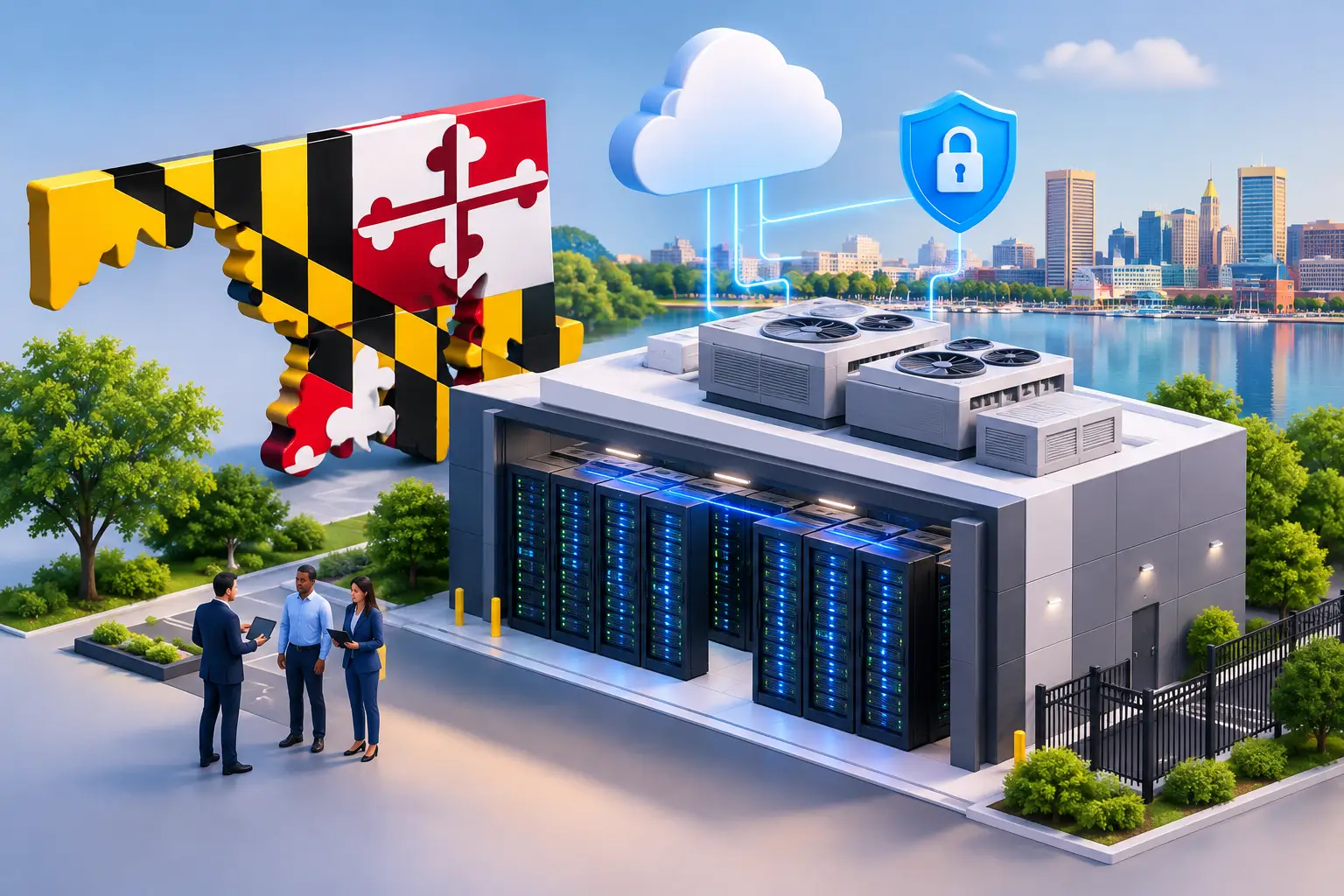
Maryland Colocation Services Guide for Businesses
A server closet can become a business risk long before it visibly fails. One overloaded circuit, failed air-conditioning unit, building outage, or security incident can interrupt applications your employees and customers rely on. This Maryland colocation services guide explains how to evaluate a professionally managed data center environment when on-site infrastructure is no longer the right fit.
Colocation is not simply renting rack space. It is a decision to place critical equipment in a facility designed to protect power, cooling, connectivity, and physical access. For organizations across the DC metro area, it can offer a practical middle ground between maintaining servers at the office and moving every workload to the public cloud.
What Colocation Provides
With colocation, your organization owns or leases the servers, firewalls, storage, and network equipment used for its workloads. Those systems are housed in a third-party data center rather than in your office. The provider supplies the facility infrastructure: conditioned space, redundant power, cooling, network connectivity options, physical security, and monitored operations.
That distinction matters. A colocation provider is not automatically responsible for managing your operating systems, backups, patches, user support, or cybersecurity controls. Those responsibilities depend on the service agreement. Many businesses benefit most from pairing colocation with managed hosting, monitoring, backup and disaster recovery, and security services so there is clear accountability for both the facility and the systems inside it.
Colocation can be a strong fit when you need predictable control over specialized applications, legacy systems, compliance-sensitive data, or high-performance workloads. It can also support hybrid infrastructure, with certain workloads in a private environment and others in Microsoft 365, a public cloud, or software-as-a-service platforms.
When a Maryland Colocation Services Guide Is Useful
The best time to evaluate colocation is before an office move, server refresh, lease renewal, major application change, or business continuity concern forces a rushed decision. Businesses often begin the conversation after realizing their existing server room has limited cooling, inconsistent power protection, inadequate physical access controls, or no realistic recovery plan for a building-level incident.
A healthcare practice may need tighter control over systems that support patient operations. A financial services firm may require dependable access to line-of-business applications and documented security controls. A professional services organization may need to keep file systems and virtual desktops available during an office outage. Government contractors may have customer requirements that make location, access, and security practices more consequential.
Colocation is not the answer for every workload. An organization built entirely around cloud-native applications may gain little from purchasing and housing physical servers. Conversely, a business with stable, resource-intensive applications may find that recurring cloud compute costs become difficult to forecast. The right approach depends on performance requirements, existing investments, recovery objectives, compliance obligations, and the skills available to manage the environment.
Evaluate the Facility Before the Rack Space
Data center quality is defined by more than a clean room and a locked door. Ask how the facility handles the failure conditions that would affect your business: a utility outage, cooling issue, carrier interruption, equipment failure, or unauthorized access attempt.
Power and cooling resilience
Confirm how utility power is delivered, whether generator capacity supports extended outages, and how often backup systems are tested. Ask whether your rack will receive redundant power feeds and whether your equipment has dual power supplies to use them. Redundancy at the facility provides limited value if a single power supply on a server remains a single point of failure.
Cooling deserves the same scrutiny. Servers generate heat continuously, and excessive temperatures can shorten equipment life or cause an abrupt shutdown. Request clear information about environmental monitoring, alerting, maintenance procedures, and the cooling design supporting your cabinet or cage.
Physical security and access control
Physical security should be layered rather than dependent on one locked entrance. A well-managed facility commonly uses controlled entry, visitor authorization, surveillance, logging, and restricted access to customer equipment areas. For higher-risk environments, a locked cabinet may not provide sufficient separation. A private cage or more restrictive access model may be appropriate.
Ask who can enter the facility, how access is approved and revoked, and what record is retained when someone accesses your equipment. These details are particularly relevant when meeting contractual, insurance, or regulatory expectations.
Network connectivity and carrier choice
Connectivity is one of colocation’s central advantages. A facility may provide access to multiple carriers, allowing your organization to select bandwidth, build redundancy, or connect to partners and cloud services more efficiently. But carrier availability alone does not guarantee a well-designed network.
Review the path from your equipment to the internet, remote offices, cloud platforms, and key applications. Determine whether you need diverse circuits, a secondary firewall, redundant switches, or separate upstream providers. Also clarify responsibility for troubleshooting. During an outage, your team should know whether to contact the carrier, the data center, or the managed service provider coordinating your infrastructure.
Define the Operating Model Clearly
The most common colocation problem is not a failed generator. It is an unclear division of responsibility. Before signing an agreement, document who owns every essential task, including hardware replacement, firmware updates, operating system patching, firewall administration, monitoring, backup verification, incident response, and after-hours escalation.
Remote hands service is another area to examine closely. This service allows data center staff to perform basic physical tasks on your behalf, such as reseating a cable, rebooting a device, or checking indicator lights. It can be valuable when your office is not near the facility, but it is not a substitute for skilled infrastructure management. Confirm response times, hourly charges, authorization procedures, and the scope of tasks staff may perform.
For many small and midsized organizations, a managed colocation arrangement reduces gaps. The same technology partner can monitor the infrastructure, maintain the systems, coordinate with carriers, manage security controls, and provide a single escalation point when an issue crosses service boundaries.
Build Continuity Around Business Priorities
Housing equipment in a data center improves availability, but it does not automatically create disaster recovery. A server can remain powered and protected while an application is unavailable because of corruption, ransomware, a failed update, or a configuration mistake.
Start by identifying which services must return first after an incident. Your recovery time objective defines how quickly a system must be restored. Your recovery point objective defines how much data loss is acceptable. A payroll system, phone platform, document repository, and customer database may have different targets.
Your backup design should reflect those priorities. Backups should be encrypted, monitored, retained according to business and compliance requirements, and tested through real restoration exercises. Consider whether copies should exist in a separate facility or cloud environment. A backup stored beside the production equipment may not protect against every scenario.
A useful continuity plan also addresses people and process. Who has authority to declare an incident? How will staff communicate if email or phones are affected? Can employees work remotely if the office is inaccessible? These questions turn data center investment into an operational recovery capability.
Understand Cost Beyond the Monthly Cabinet Fee
Colocation can make infrastructure costs more predictable, but the monthly quote is only part of the financial picture. Budget for equipment refreshes, power usage, bandwidth, cross-connects, remote hands, licensing, managed services, backup storage, and installation work. If you need a new firewall or virtualization host, include lifecycle replacement costs rather than treating them as unexpected capital expenses.
Compare those costs against the true cost of keeping equipment on-site. That calculation should include not just rent and electricity, but downtime exposure, staff time, cooling limitations, security improvements, insurance requirements, and the operational disruption of an office-level failure. The least expensive rack fee is not always the lowest-risk choice.
Contract flexibility also deserves attention. Growth may require additional rack units, more power, or higher bandwidth. Ask how quickly capacity can expand and what happens if your needs decrease after a cloud migration or application retirement.
Choose a Partner That Owns the Outcome
A colocation facility should support your business objectives, not create another vendor relationship for your staff to manage. Look for clear service expectations, documented escalation paths, transparent reporting, and a team that can explain technical choices in terms of uptime, risk, cost, and recovery.
CMA Technologies helps organizations align colocation, managed infrastructure, cybersecurity, and continuity planning under one accountable support model. The practical goal is straightforward: keep essential systems secure, available, and ready to evolve as the business changes.
Before moving a single server, map your critical services, identify failure points, and test the assumptions behind your recovery plan. A carefully designed colocation environment gives your organization more than a safer place for equipment. It gives leadership a more dependable foundation for daily operations.