
Cloud Servers Versus Onsite: Which Fits Your Business?
A server failure at 3:15 p.m. can quickly become an operations problem. Staff lose access to files, a line-of-business application stops responding, and customers wait while the business determines whether data is safe. That is why the decision around cloud servers versus onsite infrastructure deserves more than a quick cost comparison. It affects availability, security, recovery, performance, and how easily your organization can grow.
For many small and medium-sized organizations, there is no universal winner. A cloud-first environment can reduce hardware responsibility and improve flexibility. An onsite server can provide direct control, predictable local performance, and support for specialized applications. The right answer depends on what your systems need to do, what risks your organization can tolerate, and who is accountable for keeping technology available.
Cloud Servers Versus Onsite: Start With Business Requirements
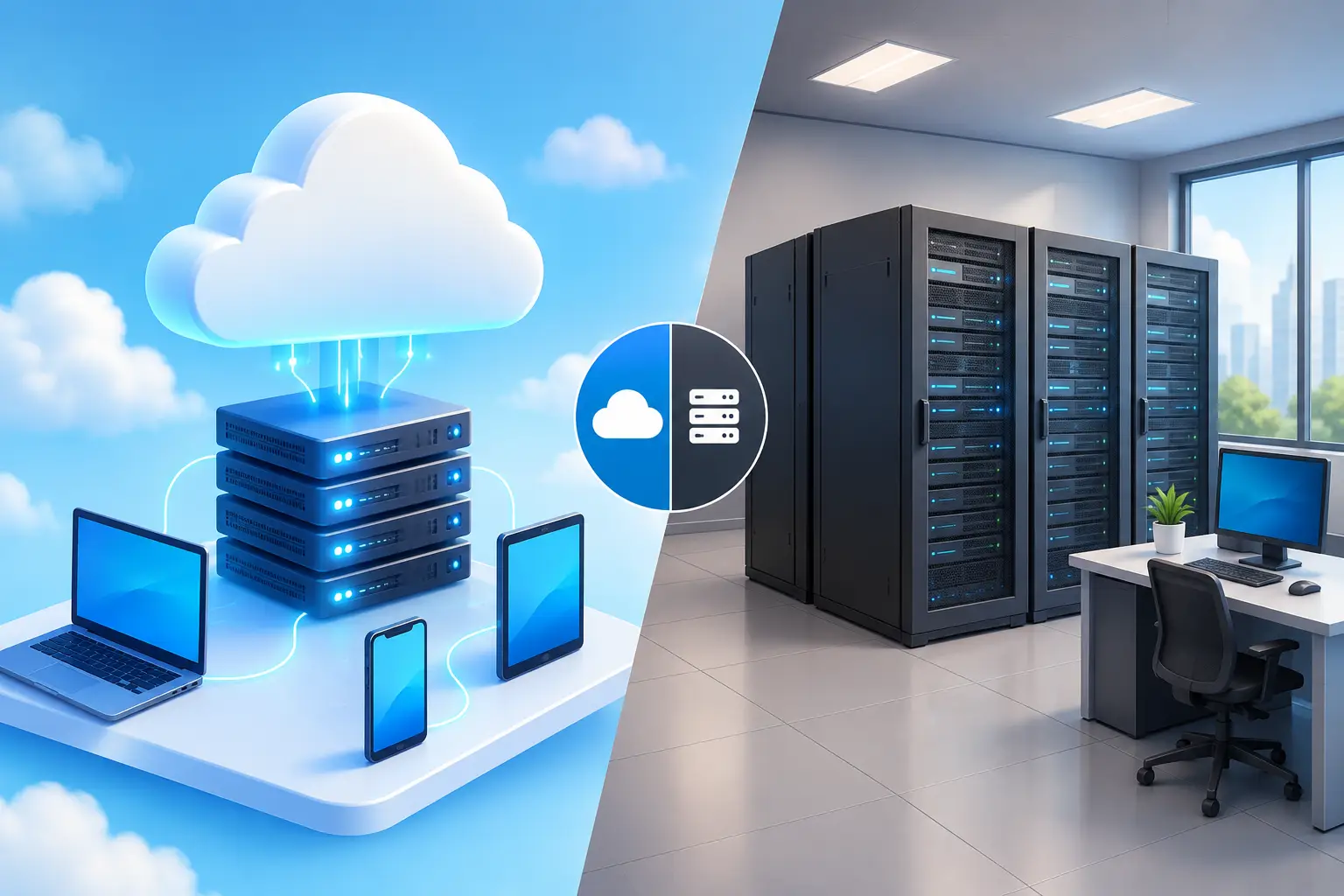
Cloud servers run in a provider-operated data center and are delivered over the internet or a private connection. Your organization consumes computing resources without maintaining the physical server hardware at its own office. Depending on the design, cloud infrastructure may support file storage, virtual desktops, applications, backup systems, databases, or complete hosted environments.
Onsite servers, sometimes called on-premises servers, are located in your office, a dedicated equipment room, or a privately managed facility. Your business owns or leases the hardware and is responsible for its lifecycle, power protection, cooling, connectivity, maintenance, and physical security. A managed IT partner can maintain these systems, but the hardware still has a finite life and requires planned replacement.
The better starting question is not, “Which option is newer?” It is, “What must remain available for our organization to operate?” A professional services firm may prioritize secure document access and remote work. A healthcare practice may need dependable application performance, protected records, and recovery procedures that support its obligations. A manufacturer may rely on local systems that cannot tolerate internet-related latency. Those requirements should drive the architecture.
Cost Is More Than the Monthly Price
Cloud infrastructure is usually paid for as an operating expense. That can reduce the initial capital outlay associated with buying servers, storage, backup devices, networking equipment, and power protection. It can also make capacity easier to add when a business opens a location, hires staff, or adopts a new application.
However, cloud costs need active management. Storage growth, data transfer, licensing, backup retention, virtual machine sizing, and premium support can all affect the monthly bill. A poorly configured cloud environment can become more expensive than expected, especially when resources are left running or oversized.
Onsite infrastructure requires more upfront planning and capital investment. Organizations must budget for server hardware, warranties, virtualization licensing, firewalls, backup systems, replacement cycles, and the labor required to maintain them. Yet for stable workloads with predictable demand, an onsite environment may offer a lower long-term cost profile than continuously consuming cloud resources.
The practical comparison is total cost of ownership over three to five years. Include not only equipment or subscriptions, but also monitoring, patching, cybersecurity controls, backup, disaster recovery, internet redundancy, support time, and the cost of downtime. A lower monthly invoice does not help if an outage interrupts client service or leaves employees unable to work.
Security Depends on Design and Accountability
Neither cloud nor onsite infrastructure is automatically secure. Security comes from disciplined configuration, ongoing monitoring, access control, patching, backup protection, and a tested response process.
With cloud servers, the provider secures the physical data center and underlying platform. Your organization remains responsible for how its environment is configured. This is often called the shared responsibility model. Weak administrator passwords, overly broad permissions, unpatched operating systems, exposed remote access, or missing multifactor authentication can still create serious risk in a cloud environment.
With onsite servers, your organization has more direct control over the equipment and network. It also owns more of the security burden. Physical access to the server room, firewall management, endpoint protection, operating system updates, power protection, and backup media all require attention. An unlocked closet or an unmonitored firewall can undermine the benefits of local control.
For organizations in the Washington, DC metro area that handle sensitive client, financial, healthcare, government-adjacent, or regulated information, security decisions should also account for contractual and compliance requirements. Data location, access logging, retention settings, encryption, and vendor oversight may all matter. The infrastructure choice should support those obligations instead of creating workarounds after deployment.
The backup question that changes the conversation
A server is not a backup strategy. Whether systems are cloud-hosted or onsite, organizations need protected copies of critical data, defined recovery priorities, and regular testing. Backup files that have never been restored are an assumption, not a recovery plan.
Cloud-hosted systems can still be affected by accidental deletion, ransomware, account compromise, synchronization errors, and configuration failures. Onsite systems can still be affected by fire, theft, flood, hardware failure, and power events. Effective continuity planning often includes separate backup copies, restricted administrative access, and a documented process for restoring operations.
Uptime and Performance Are Different Questions
Cloud platforms can offer strong availability when designed with redundancy, but users still depend on internet connectivity to reach them. If an office has a single internet circuit and it fails, employees may lose access even though the cloud server is functioning properly. Redundant internet service, failover connectivity, and secure remote access should be considered part of the design.
Onsite servers can keep local applications available during an internet outage, provided the office has power and the local network remains operational. This can be valuable for workloads that need fast local response times or equipment that communicates directly with a local server. But onsite availability also depends on the quality of the server hardware, storage, power backup, cooling, and maintenance plan.
Performance should be measured against real usage. A cloud-based accounting application may perform well for a distributed workforce. A large design file repository or database with frequent, high-volume local transactions may require careful testing before moving entirely to the cloud. Latency, bandwidth, application architecture, and user location all influence the result.
A Hybrid Model Often Makes More Sense
The choice does not have to be absolute. Many organizations operate successfully with a hybrid design that places each workload where it performs best.
For example, Microsoft 365 may handle email and collaboration while a local server supports a specialized application. Cloud backup and disaster recovery can protect onsite servers. A private hosted environment can provide secure access to business applications while certain data or equipment remains local. This approach can limit disruption, preserve necessary performance, and create a practical path for modernization rather than forcing a disruptive all-at-once migration.
A hybrid environment does require clear management. Identity systems, security policies, backups, network connections, and user support must work together. Without defined ownership, businesses can end up with duplicated data, inconsistent access controls, or uncertainty during an outage. The value comes from intentional design, not simply having systems in two places.
How to Make the Decision With Confidence
Before selecting an infrastructure model, document your critical applications, the data they use, the number of users, required performance, recovery objectives, and any contractual or regulatory requirements. Identify what happens if each application is unavailable for one hour, one day, or several days. That exercise usually reveals which systems deserve higher availability and which can be handled more economically.
Next, evaluate the operational capacity behind the technology. Who will monitor alerts after hours, apply updates, test backups, replace failing hardware, investigate suspicious activity, and coordinate recovery when an incident occurs? A platform is only as dependable as the people and processes supporting it.
For organizations without a large internal IT team, managed infrastructure can provide the accountability that makes either approach viable. CMA Technologies helps businesses align cloud, onsite, and hybrid systems with practical support, cybersecurity, continuity planning, and long-term technology strategy.
The right infrastructure is the one that lets your staff work reliably, protects the information your organization is trusted to hold, and gives leadership a clear plan for the next disruption or stage of growth.