
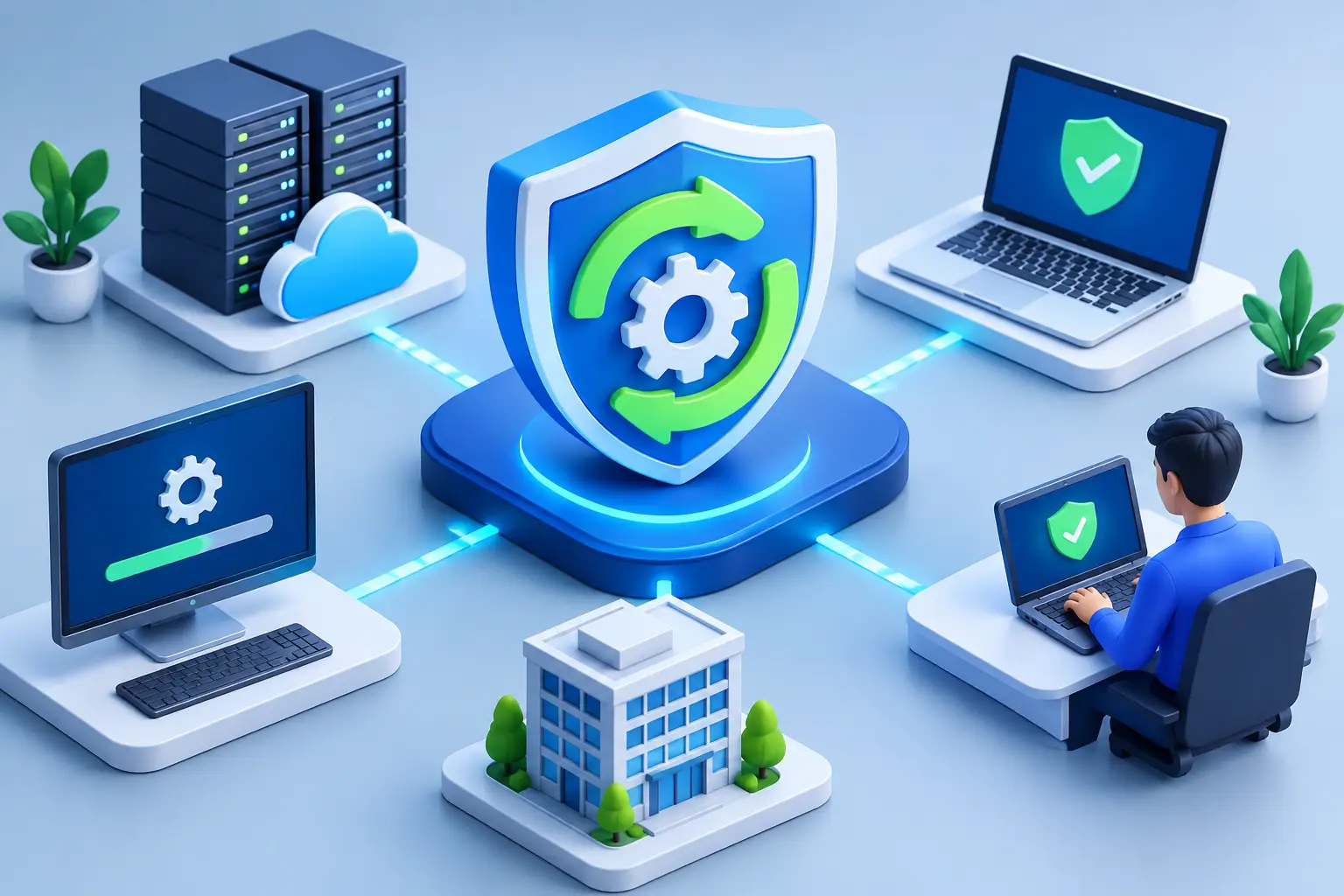
Patch Management That Protects Business Operations
A single unpatched server, laptop, firewall, or line-of-business application can create an opening that attackers know how to exploit. For organizations that depend on Microsoft 365, cloud applications, remote access, and connected workplace systems, patch management is not a background IT chore. It is a core control for protecting operations, sensitive information, and customer trust.
The challenge is not simply installing every update the moment it appears. Effective patching requires knowing what technology you have, which weaknesses pose the greatest risk, how an update may affect critical applications, and whether every device actually received it. When those steps are managed consistently, updates become a practical way to reduce downtime rather than a source of disruption.
What Patch Management Means for Your Business
Patch management is the ongoing process of identifying, evaluating, testing, deploying, and verifying software and firmware updates. These updates may correct security vulnerabilities, fix defects, improve stability, or maintain compatibility with other systems.
The scope is broader than employee computers. A complete program considers operating systems, browsers, productivity applications, servers, virtual machines, firewalls, wireless equipment, backup platforms, VoIP systems, and specialized business software. A missed update on a network appliance can be just as consequential as an outdated laptop.
For business leaders, the result should be measurable: fewer preventable security incidents, more predictable maintenance windows, stronger compliance evidence, and less time spent recovering from avoidable failures. Patching is also closely tied to cyber insurance and customer requirements. Many insurers and enterprise clients expect organizations to demonstrate that critical vulnerabilities are addressed within defined timeframes.
Why Delayed Updates Create Operational Risk
Attackers frequently target known vulnerabilities because the methods are public, the affected products are widely deployed, and many organizations postpone updates. Ransomware groups do not need to find a new weakness if an older, well-documented flaw remains exposed on an internet-facing system.
A delayed patch can also turn a contained issue into a broader business interruption. An attacker who gains access through one unprotected device may be able to move through the network, reach shared data, interfere with backup systems, or compromise user credentials. The cost is not limited to remediation. It can include lost productivity, missed client commitments, regulatory exposure, and reputational damage.
Still, applying updates without planning has risks of its own. A rushed operating system update can conflict with a legacy accounting package, a specialized healthcare application, or equipment that supports daily operations. That is why the right approach is risk-based, not blindly automatic. Critical security fixes often deserve expedited deployment, while updates that could affect sensitive systems should be tested and scheduled appropriately.
Building a Practical Patch Management Process
A reliable program starts with an accurate technology inventory. You cannot protect systems that are unknown, unmanaged, or no longer supported. The inventory should identify each device, operating system, installed application, owner, location, business function, and support status. It should also distinguish between company-managed devices and personally owned devices permitted to access business resources.
From there, updates need to be prioritized. Severity matters, but it is not the only consideration. A vulnerability that is actively exploited, reachable from the internet, or present on a system that handles confidential data requires faster attention than a lower-risk issue on an isolated device. Business criticality matters as well. A flaw affecting a public-facing portal or a financial system deserves more scrutiny than one on a nonessential test workstation.
A practical policy defines clear timelines. For example, actively exploited or critical vulnerabilities may require action within days or sooner, while routine updates can follow a monthly maintenance cycle. The exact schedule depends on the organization’s risk tolerance, industry requirements, technology environment, and ability to test updates. What matters is that the standard is documented, consistently followed, and adjusted when conditions change.
Test Before Broad Deployment
Testing does not have to mean maintaining a duplicate of every system. For many small and midsized organizations, it means using a limited set of pilot devices, reviewing vendor documentation, confirming backup health, and identifying applications that cannot tolerate unexpected changes.
Pilot deployments help technical teams detect compatibility problems before an update reaches every employee. They also provide an opportunity to plan rollback steps. If a patch causes a problem, the team should know who will make the decision to pause deployment, how the issue will be communicated, and how affected systems will be restored or stabilized.
Schedule Maintenance Around the Business
The best patching schedule respects the way people work. Some updates can be installed automatically during off-hours, while server, firewall, and application changes may require a maintenance window with responsible stakeholders available. Organizations with evening operations, remote employees, or around-the-clock client obligations may need staggered schedules rather than one fixed window.
Communication is part of the control. Employees should know when a restart may occur and what to do if an application behaves unexpectedly. Department leaders should understand which updates could affect their teams. Clear communication reduces frustration and helps IT identify genuine incidents quickly.
Verify, Report, and Address Exceptions
Deployment is not the same as completion. Devices may be offline, users may delay restarts, an installation may fail, or a system may no longer be communicating with management tools. Verification confirms that the update was installed and that the device remains healthy afterward.
Useful reporting shows more than a percentage of devices patched. It should identify outstanding critical vulnerabilities, devices that have not checked in, unsupported software, failed installations, approved exceptions, and the age of those exceptions. This gives leadership a clear view of residual risk instead of a vague assurance that updates are being handled.
Exceptions should be rare and documented. If an older application cannot accept an update, the organization needs compensating controls, such as restricting network access, strengthening monitoring, isolating the system, or accelerating a replacement plan. An exception without an owner and expiration date often becomes a permanent exposure.
Common Gaps That Undermine Patching
Many organizations patch employee laptops but overlook third-party applications, network gear, and firmware. Others rely on users to approve updates, leaving inconsistent coverage across the workforce. Remote and hybrid work has made this more difficult because endpoints may spend long periods outside the office network.
Another common gap is unsupported technology. Once a vendor no longer provides security updates, no patching tool can fully solve the problem. Continued use may be necessary for a short period, but it should be treated as a business risk with a replacement plan, not as normal operations.
Patching also cannot stand alone. Strong identity controls, endpoint protection, email security, backups, network monitoring, and incident response planning all reduce the consequences when a vulnerability is discovered or a patch cannot be applied immediately. Security improves when these controls work together.
When Managed Patch Management Makes Sense
Internal IT teams often have the technical ability to deploy updates but lack the time to track new vulnerabilities, test changes, resolve failed installations, and produce reliable reports. This is especially true when the same team is supporting employees, managing projects, and responding to daily technical issues.
A managed IT partner can provide centralized monitoring, scheduled maintenance, escalation for high-risk vulnerabilities, and documented reporting across endpoints and infrastructure. In a co-managed arrangement, that support can complement an internal team rather than replace it. The goal is accountability: someone is actively watching for gaps, acting within agreed timeframes, and communicating the business impact of technology risk.
For organizations in the Washington, DC metro area, where government contractors, healthcare providers, law firms, and financial services businesses may face heightened security expectations, a disciplined patching process can also support contract, privacy, and audit obligations. CMA Technologies approaches patching as part of complete IT support, connecting routine maintenance to cybersecurity, backup readiness, infrastructure health, and business continuity.
The most useful next step is to ask a straightforward question: if a critical vulnerability is announced this afternoon, can your organization identify affected systems, prioritize the risk, deploy a fix, and prove the result? If the answer is uncertain, that is the right place to begin strengthening your process.