
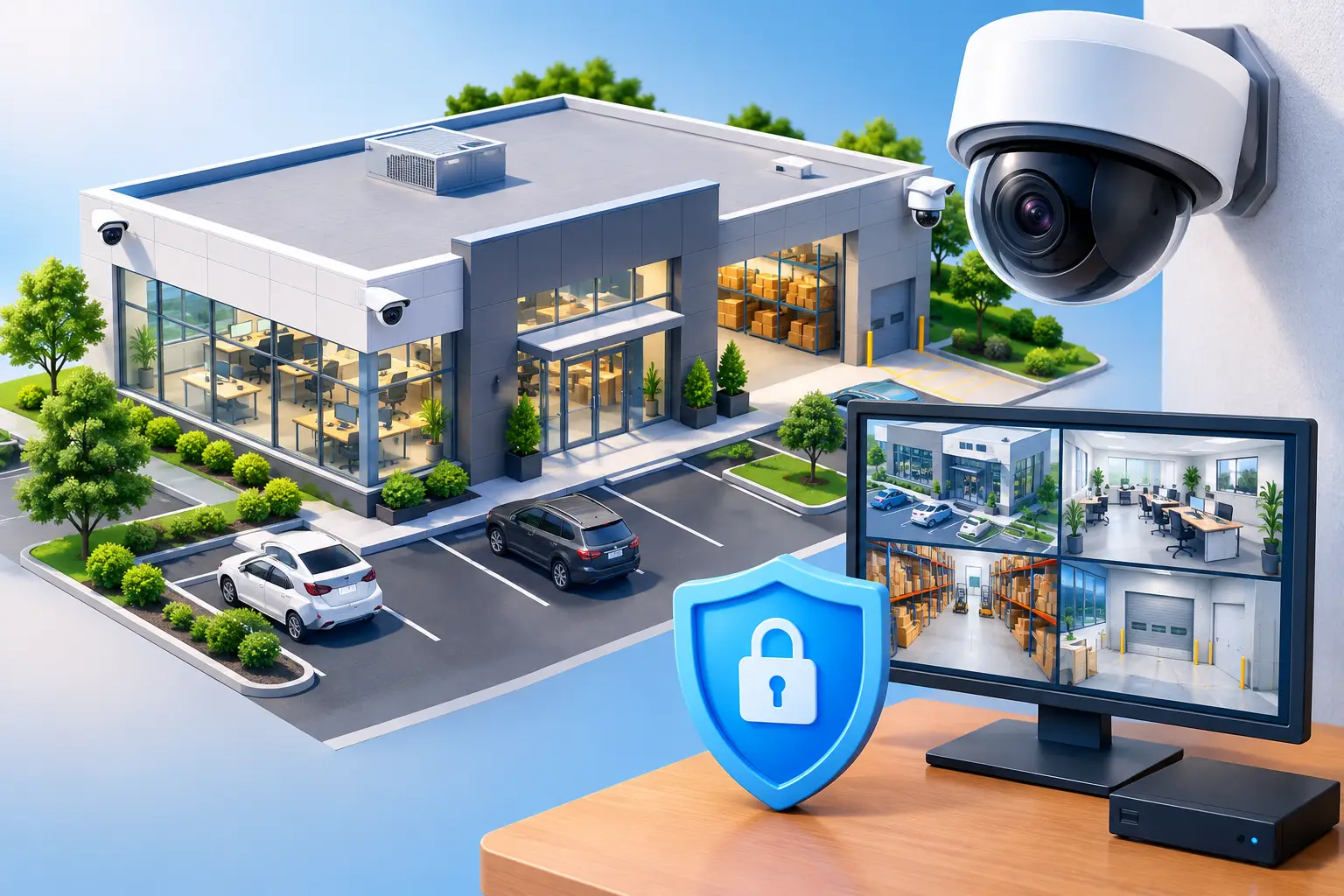
Business Security Camera Systems That Protect Operations
A camera that records a face but cannot identify it, or captures an incident after its footage has been overwritten, does not provide much protection. Business security camera systems need to be planned around real operational risks: who enters the building, where assets move, how incidents are investigated, and who needs secure access to evidence.
For small and mid-sized organizations, the goal is not to place cameras everywhere. It is to create dependable visibility without adding unnecessary complexity, privacy risk, or recurring cost. The right system supports safety, loss prevention, accountability, and business continuity while fitting the way your facility actually operates.
Start With the Risks You Need to Manage
A useful camera strategy begins with a walkthrough of the property and the business processes that occur there. Entry and exit points, reception areas, parking lots, loading zones, server rooms, inventory storage, cash-handling areas, and restricted workspaces usually deserve attention. The same is not always true of every hallway or open office.
Consider what an incident would require you to prove. If someone claims a shipment was never delivered, can you see the loading dock, the delivery vehicle, and the handoff area? If an unauthorized person enters after hours, can you identify how they entered and where they went? If an employee reports a safety concern in a parking area, is the scene visible at the relevant time of day?
Camera placement should follow those questions. A broad view can establish context, while a dedicated camera at an exterior door may need enough detail to identify a person. One camera rarely does both jobs well. Coverage maps and test images taken in normal daylight and low-light conditions help prevent assumptions from becoming expensive gaps.
What Effective Business Security Camera Systems Include
The hardware matters, but the system design matters more. Cameras, recording equipment, network capacity, remote access, user permissions, alerts, and retention settings all need to work together. A high-resolution camera connected to an overloaded network or an improperly configured recorder will not deliver the expected result.
Camera selection should match the location
Indoor cameras may prioritize discreet placement and a wide field of view. Exterior cameras need appropriate weather ratings, low-light performance, and placement that avoids glare from windows, headlights, or direct sun. At a building entrance, a camera positioned too high may record the top of a hat instead of a usable facial image.
Resolution is also a trade-off. Higher resolution can provide more detail, but it increases storage requirements and network traffic. In many locations, a well-positioned 4K camera may be worthwhile. In others, a lower-resolution camera with the correct lens and viewing angle is more practical. The right choice depends on the distance to the subject, the area being monitored, lighting conditions, and the level of detail required.
Recording and retention need a business purpose
Organizations should determine how long footage needs to be retained before selecting storage. A retail location investigating loss events may need a different retention period than a professional office, medical practice, warehouse, or regulated contractor. Requirements may also be driven by insurance, contractual obligations, or internal policy.
Local network video recorders can provide predictable on-site storage and fast access to footage. Cloud-managed camera platforms can simplify remote administration and reduce the burden of maintaining recording hardware. Hybrid designs can combine local recording with cloud management or off-site backup for selected events.
There is no universal best option. Cloud storage can make distributed locations easier to manage, but recurring subscription costs should be understood upfront. Local storage can offer control and lower ongoing costs, but it requires reliable hardware, monitoring, and a plan for hardware failure. A business should know how many days of footage it expects, how motion recording affects capacity, and what happens when storage reaches its limit.
Secure access is not optional
Modern IP cameras are network-connected devices. That means they should be treated as part of the organization’s security environment, not as standalone building equipment. Default credentials, outdated firmware, unrestricted remote access, and cameras placed directly on the primary business network can create avoidable exposure.
A professionally designed deployment typically separates cameras onto an appropriate network segment, restricts administrative access, uses strong credentials and multi-factor authentication where available, and keeps firmware current. Access to live views and recordings should be role-based. A facilities manager may need access to a site’s cameras, while an executive or HR leader may require limited access to sensitive footage for a specific purpose.
The system should also log user activity where possible. When video may be used in an investigation, it is valuable to know who viewed, exported, or deleted footage. Clear procedures for sharing clips protect the organization and reduce the chance of sensitive video being sent through unsecured channels.
Plan for People, Privacy, and Policy
Security cameras can improve accountability, but they also require clear expectations. Employees, visitors, contractors, and tenants should understand where cameras are used and why. Cameras should not be installed in areas where people have a reasonable expectation of privacy, such as restrooms, locker rooms, or changing areas.
Audio recording requires additional caution because consent laws can vary by location and circumstance. Many organizations choose to disable audio unless there is a defined and reviewed business need. Before deployment, leadership should establish written policies for retention, viewing privileges, incident requests, and the handling of recordings involving employees or visitors.
This is particularly important for organizations that handle sensitive client information, operate in regulated industries, or support government and defense-related work. Camera footage may contain information about customers, workflows, access patterns, or facility layouts. Physical security data deserves the same disciplined governance applied to other business records.
Integrate Cameras With the Rest of the Workplace
A camera system is more useful when it supports, rather than complicates, daily operations. Integration with access control can help security teams review video associated with door events. Coordination with alarm systems can direct attention to an intrusion or after-hours motion event. Reliable wireless coverage, structured cabling, switches, and backup power all affect whether the cameras remain available when needed.
This is why installation should not be treated as a simple hardware purchase. The project may involve cabling routes, network switch capacity, power-over-Ethernet requirements, internet bandwidth, firewall rules, mounting considerations, and workstation or mobile access. A poorly planned installation can disrupt operations or create future maintenance issues.
For organizations with multiple sites, centralized management can reduce administrative burden. Authorized leaders can review locations from a single interface, apply consistent policies, and receive alerts without maintaining separate systems. However, centralized access should be paired with appropriate permissions so each user sees only what they need.
Questions to Ask Before You Buy
Before committing to a provider or platform, business leaders should get clear answers to several operational questions:
- What specific areas and risks will each camera address?
- How long will footage be retained under normal operating conditions?
- Who owns the equipment, recordings, and administrative credentials?
- How will cameras, recorders, firmware, and network connections be monitored and supported?
- What happens if internet service, power, a recorder, or a camera fails?
The answers reveal whether a proposal is designed for long-term use or simply for a fast installation. They also help leadership compare the full cost of ownership, including licensing, storage, replacement hardware, support, and future expansion.
Treat Ongoing Support as Part of the Security Plan
Cameras require attention after installation. Lenses get dirty, views are blocked by new signage or landscaping, storage fills unexpectedly, credentials change, and firmware updates need review. A system that is never tested may appear functional until the day footage is needed and cannot be found.
Periodic checks should confirm that cameras are online, timestamps are accurate, recordings can be retrieved, remote access remains restricted, and critical views have not changed. Organizations should also test their process for exporting and preserving evidence. A five-minute review of a sample recording can expose issues long before an incident creates urgency.
For businesses across the DC metro area, a single technology partner that understands networking, cybersecurity, cabling, and physical security can reduce handoffs and accountability gaps. CMA Technologies helps organizations design workplace technology around dependable operations, so security cameras can serve as a managed business control rather than another disconnected device.
The best camera system is the one your organization can rely on months and years after installation: clear when it needs to be clear, protected from unauthorized access, supported when conditions change, and aligned with the people and property it is meant to protect.